SDR to HDR
SDR to HDR
Hyperion Models
The Hyperion model family represents Topaz Lab's collection of SDR to HDR models. These models have unique properties that are unique in the treatment process they provide. Take a look to see which version is best for your project.

Hyperion
Hyperion 2/2.5
Dynamic Range
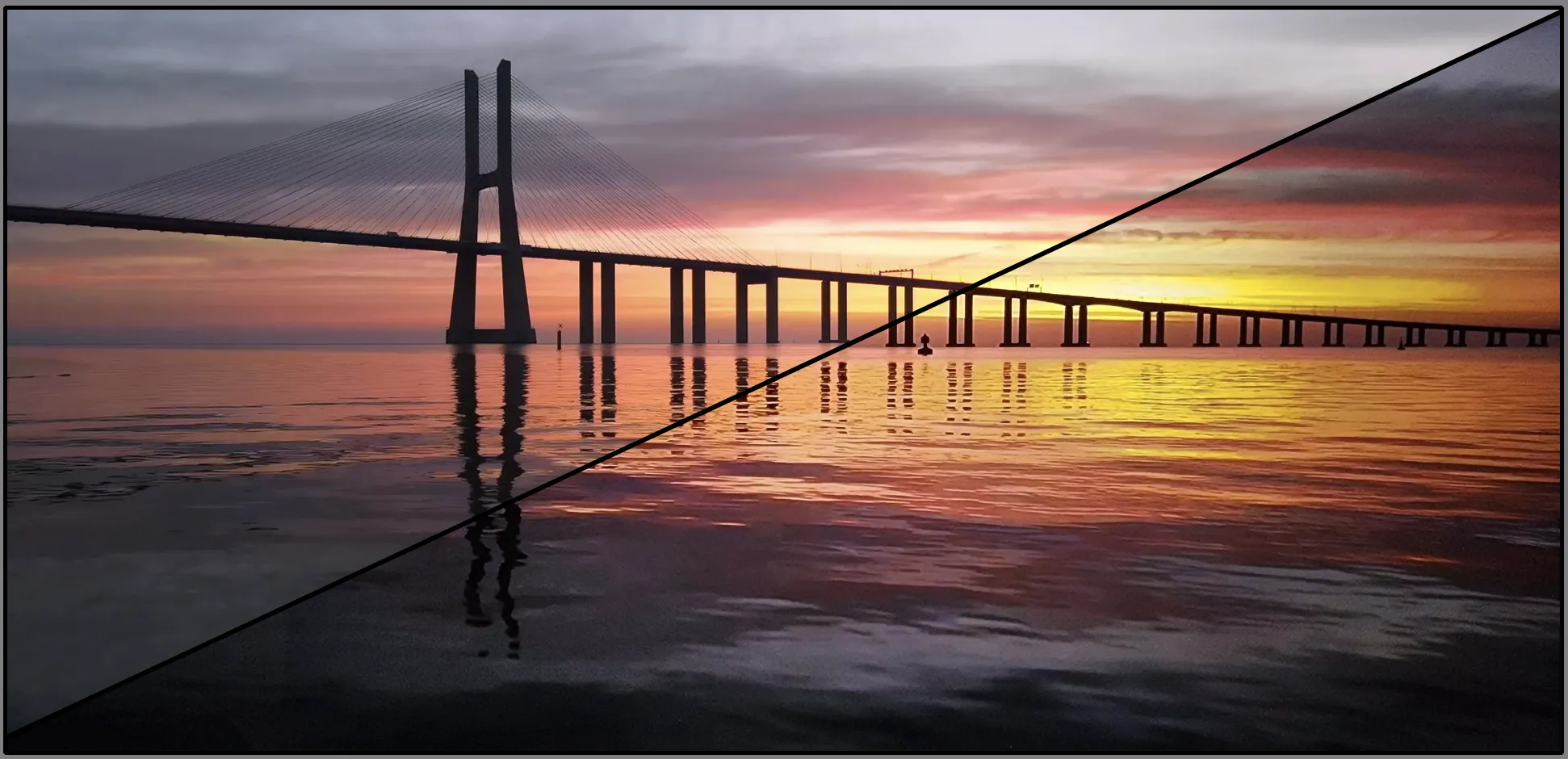
Dynamic Range is the contrast between the brightest highlights and darkest shadows of a video.
Standard Dynamic Range (SDR)
- Holds a scope of 6-10 stops for video.
- Generally 8-bits per channel with a total of 24 bits per pixel.
- The brightest luminance value can range around 100 up to 400 nits (candela per square meter) depending on the display.
- Has a total contrast ratio of around 1,200:1.
High Dynamic Range (HDR)
- Holds a scope of 12-17.6 stops for video. Though most cameras can produce up to 15 stops.
- Generally 10-bits per channel (but can have 32 bits floating point per channel) with a total max of 96 bits per pixel.
- The brightest luminance value is around 10,000 nits (candela per square meter), but will only display up to 1,000 nits on most HDR monitors.
- The maximum contrast ratio of around 20,000:1 on LCD displays and 1,080,000:1 on an OLED display.
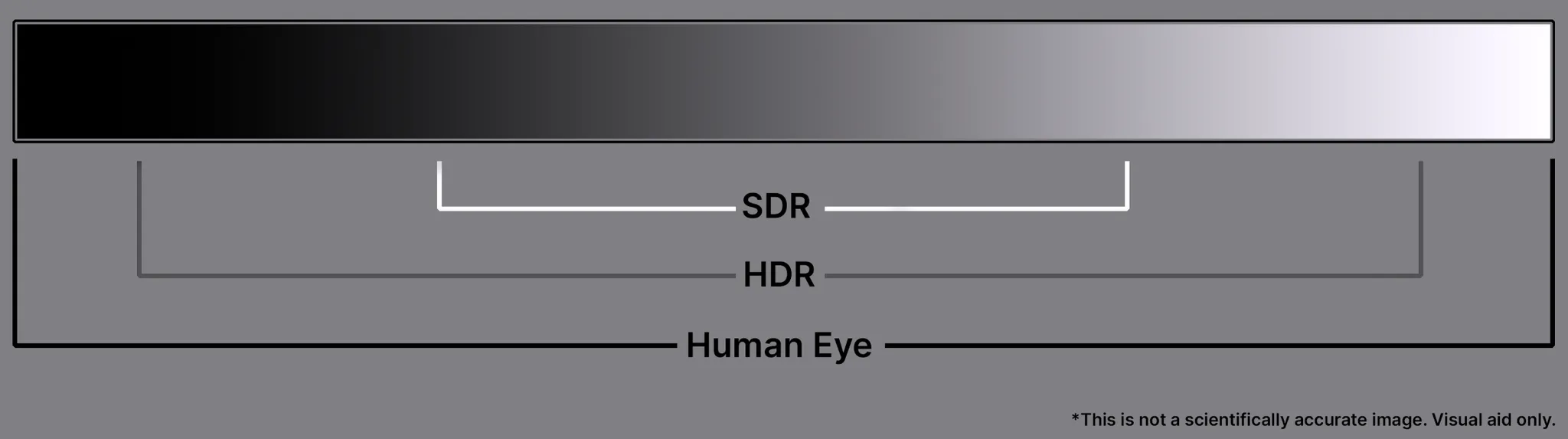
Compared to SDR, HDR holds more range in the middle gray values, shadows and pushes the brightest and darkest values further apart. The limitation, really comes down to the viewing capability with our displays.
As noted above, in order to see HDR you will need to have a display that is capable of displaying these values. Luckily the most recent cell phones, TVs, desktop monitors and some handheld gaming displays can display HDR. Though, not all HDR displays are made the same. This is something you will need to do research on your own devices to know what’s the maximum values you can actually view.
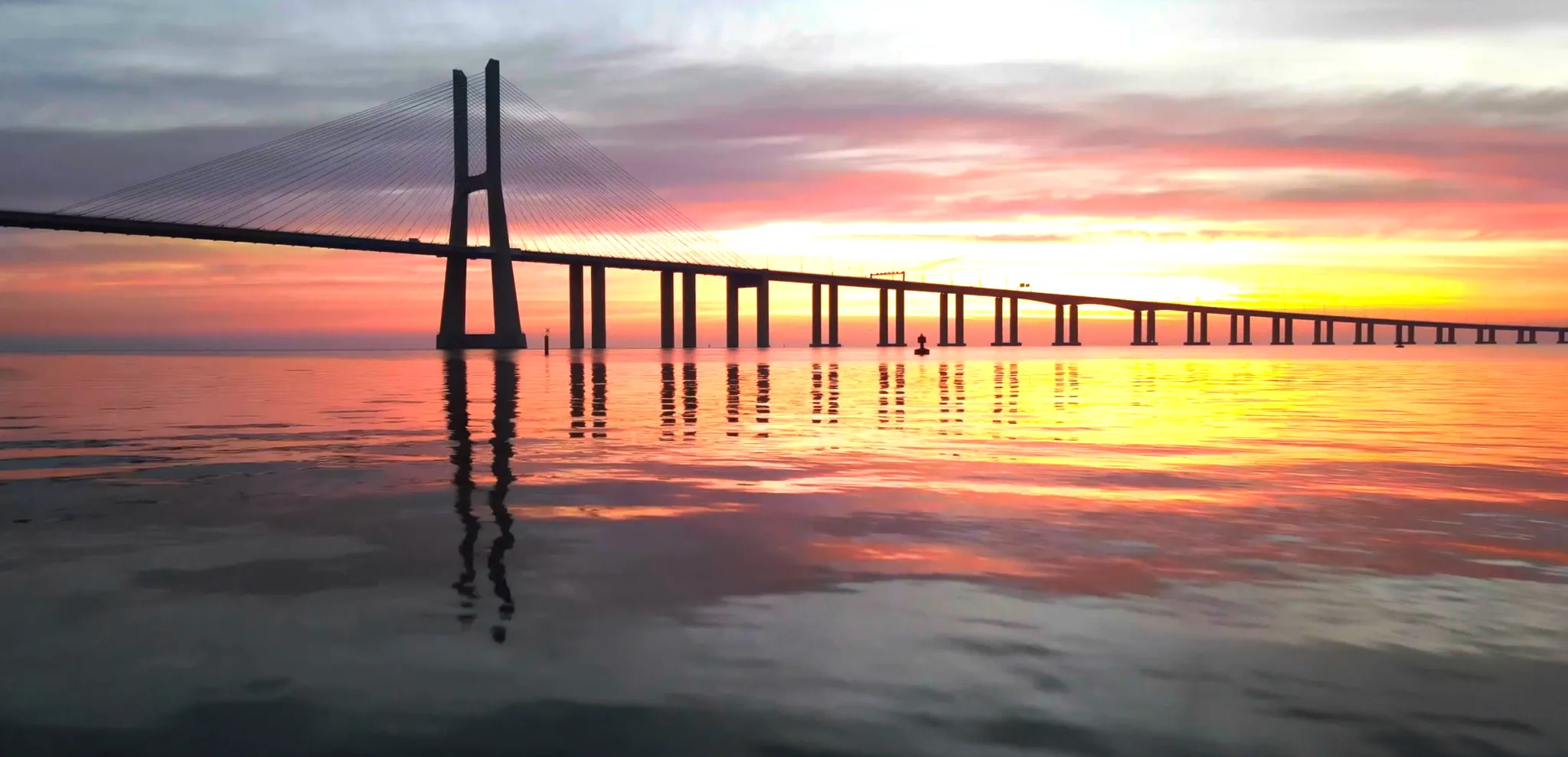
If you view an HDR video on a non-HDR display, you may see clamped/flattened values. In the example above, the highlight values appear 'clipped' because they are out of range of the display.
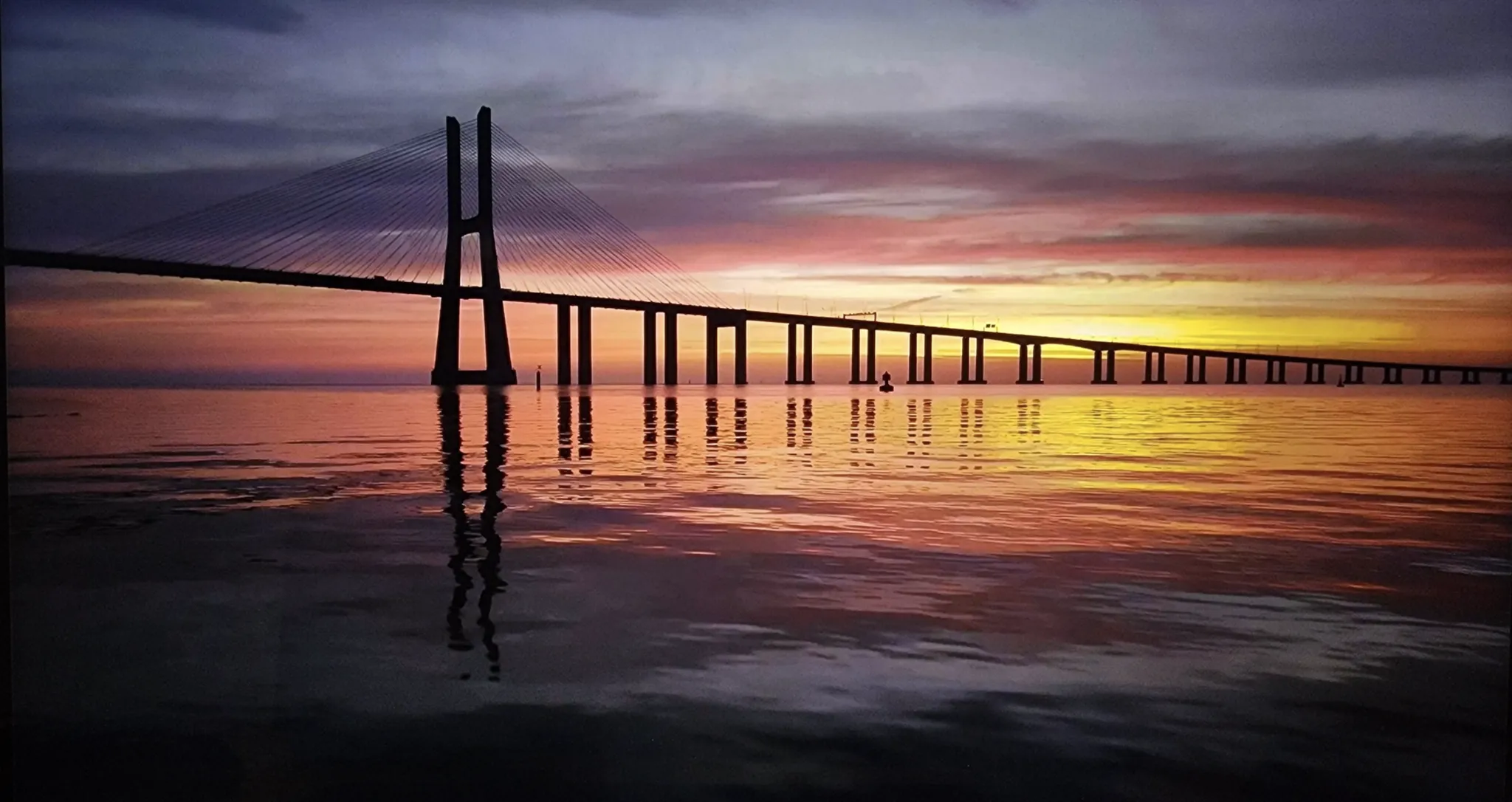
Viewing the same clipped HDR image from an HDR monitor you are easily able to see a wider dynamic range, most notable in the clouds.
Another example below:
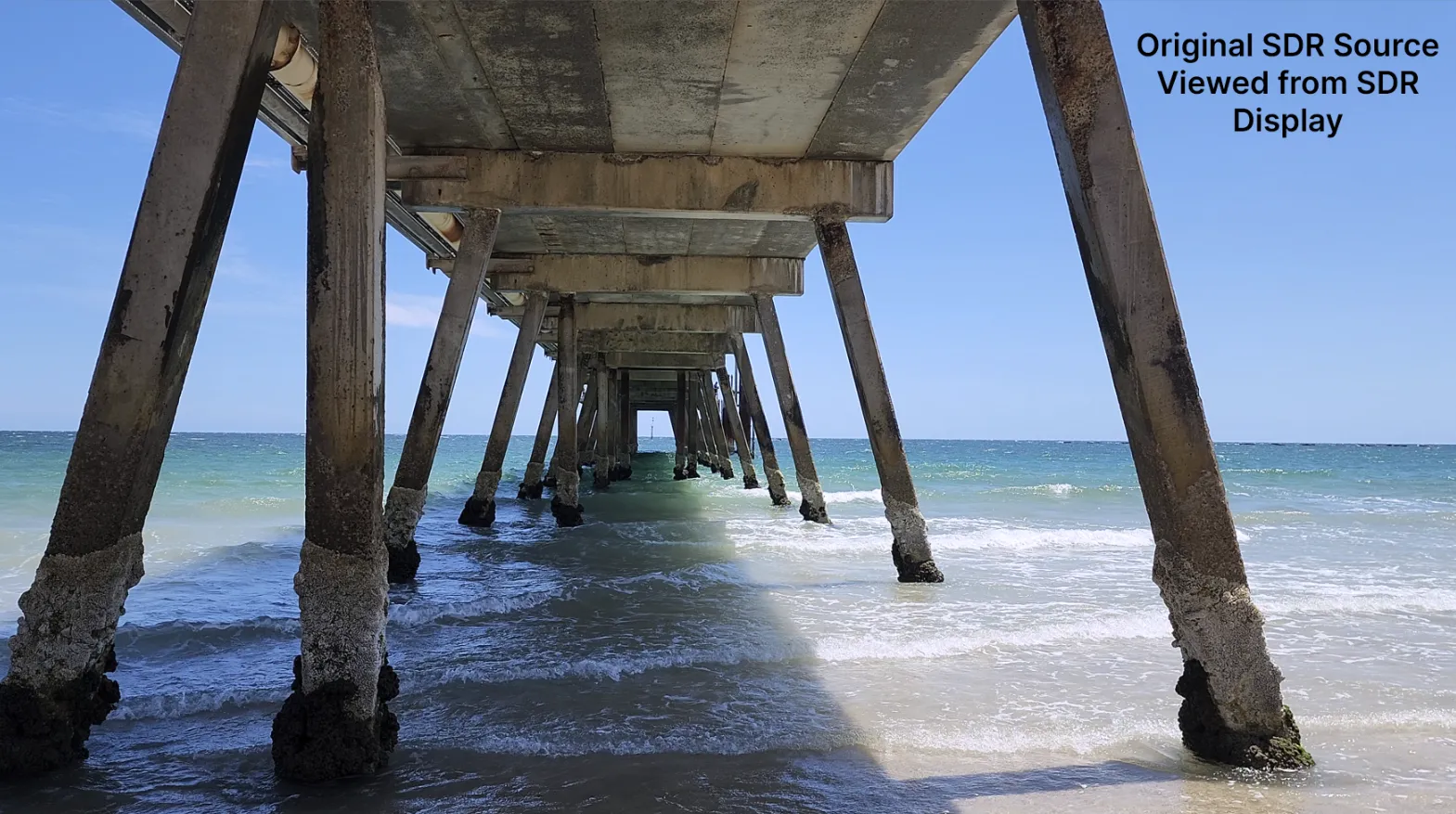
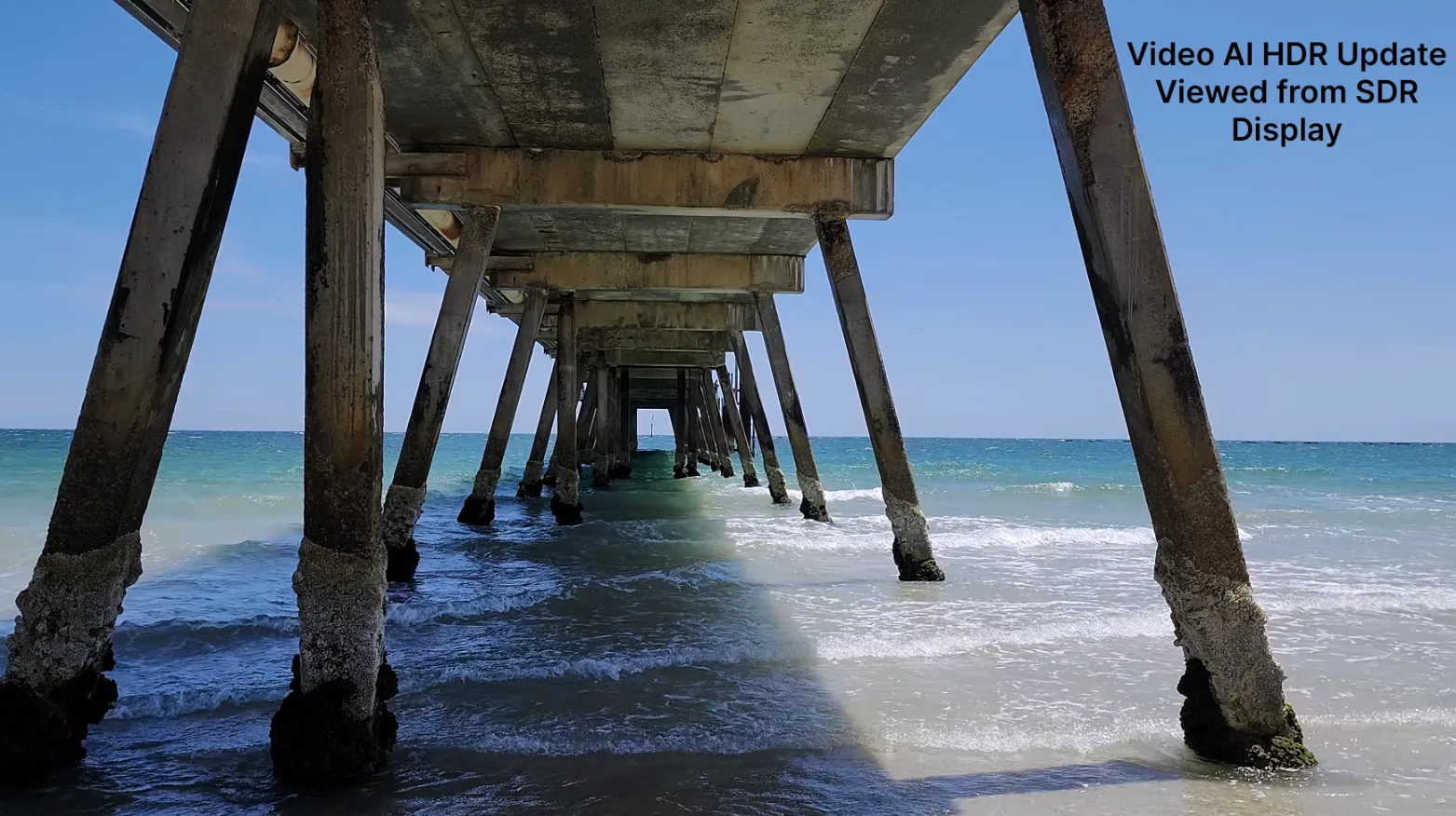
Above, you can see that the there is minor difference between the two images when viewed from an SDR display. Note the settings were slightly adjusted for the SDR to HDR tool.
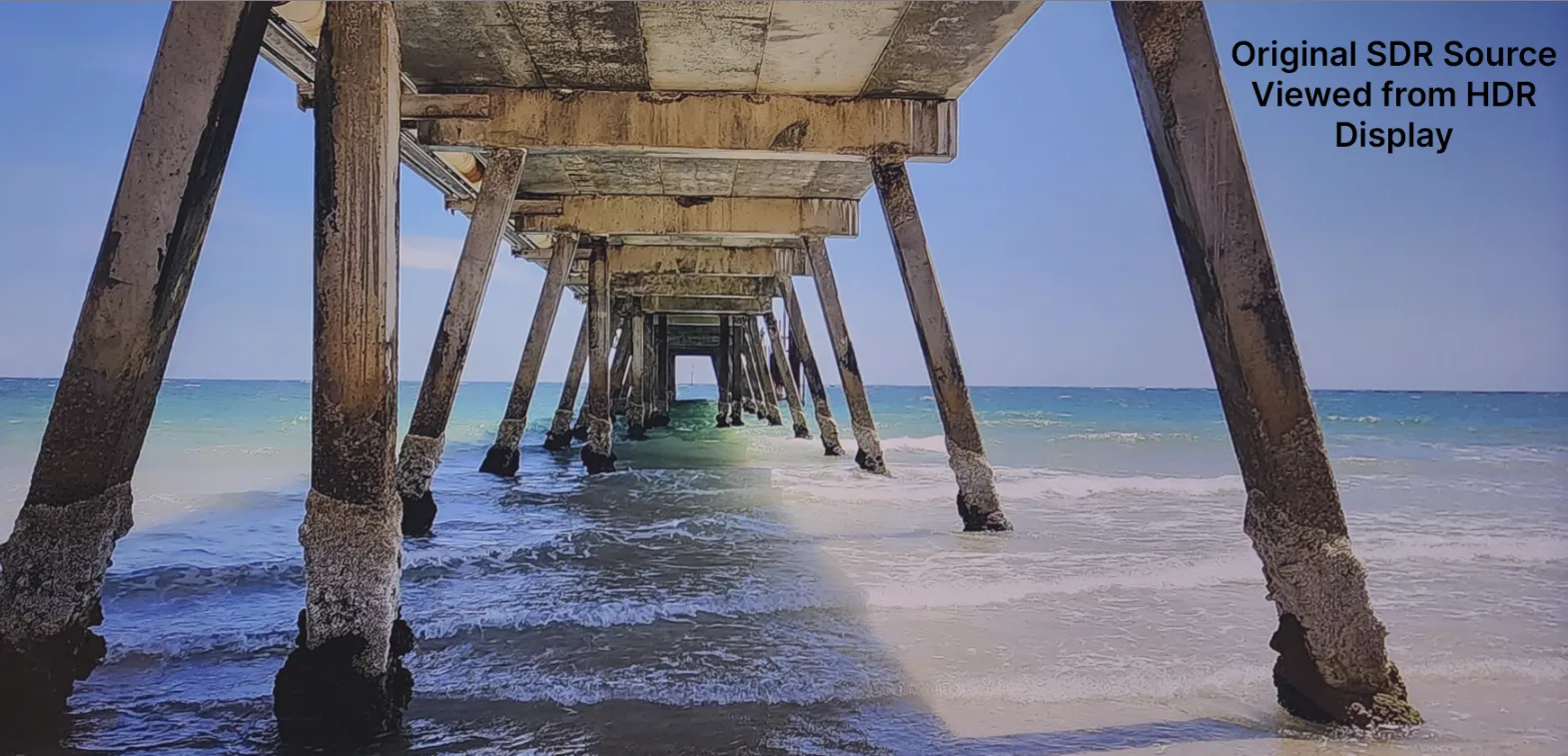
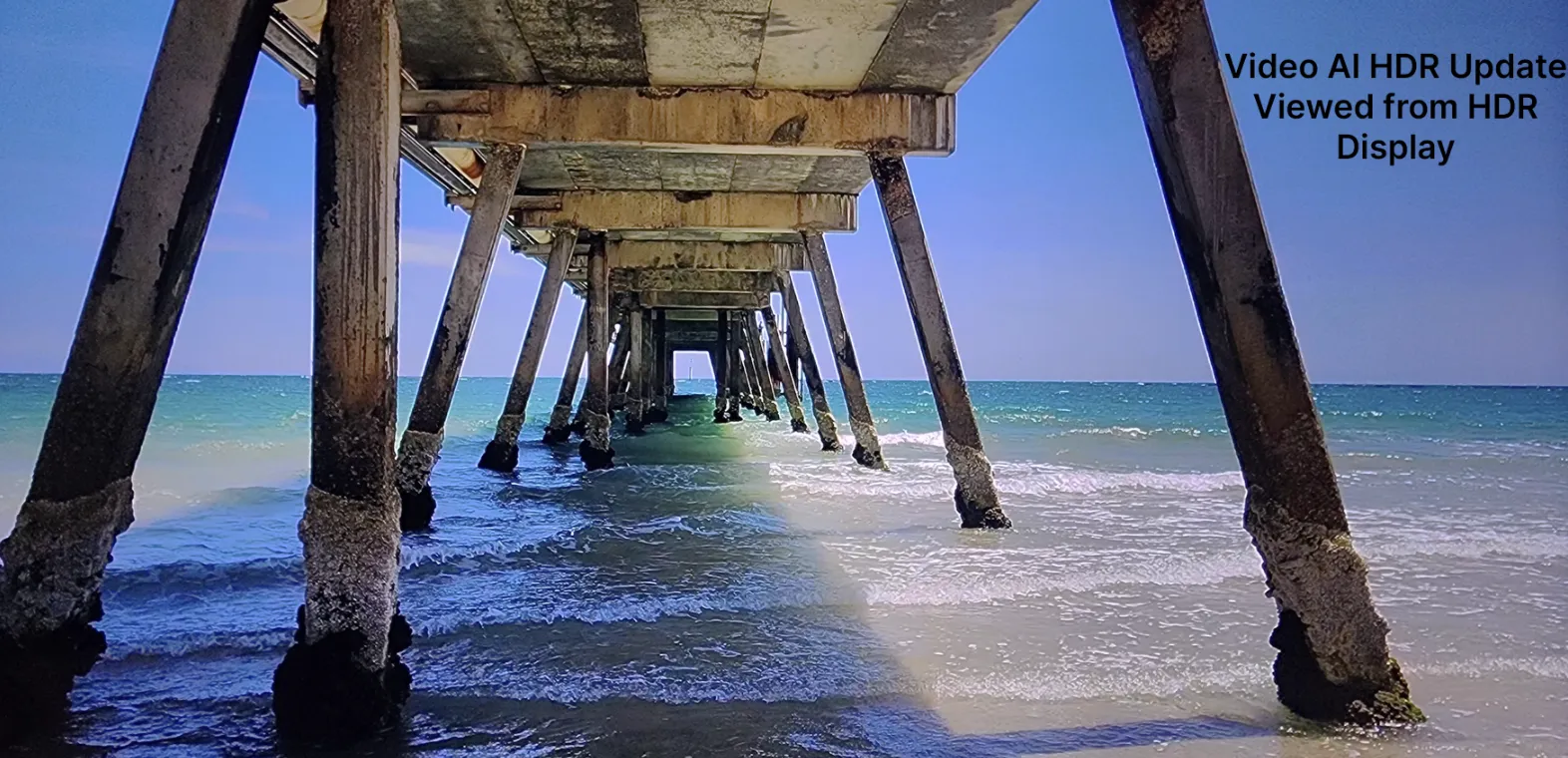
When viewing from an HDR display, the difference is a little more apparent. The values in the white water are more defined and not so flat, the contrast range has greatly expanded and the richness in color values has also improved.
Plugins
After Effects Plugin
SDR to HDR is not available for the Adobe After Effects Plugin at this time.
Davinci Resolve Plugin
SDR to HDR is not available for the Davinci Resolve Plugin at this time.
Alternative Video Players
The following are alternative video players that has tone mapping which allow you to view your HDR videos
Windows
Mac
Enjoy pushing the boundary of your standard dynamic range footage into the world of HDR!