Starlight Fast 2 (Local)
Starlight Fast 2
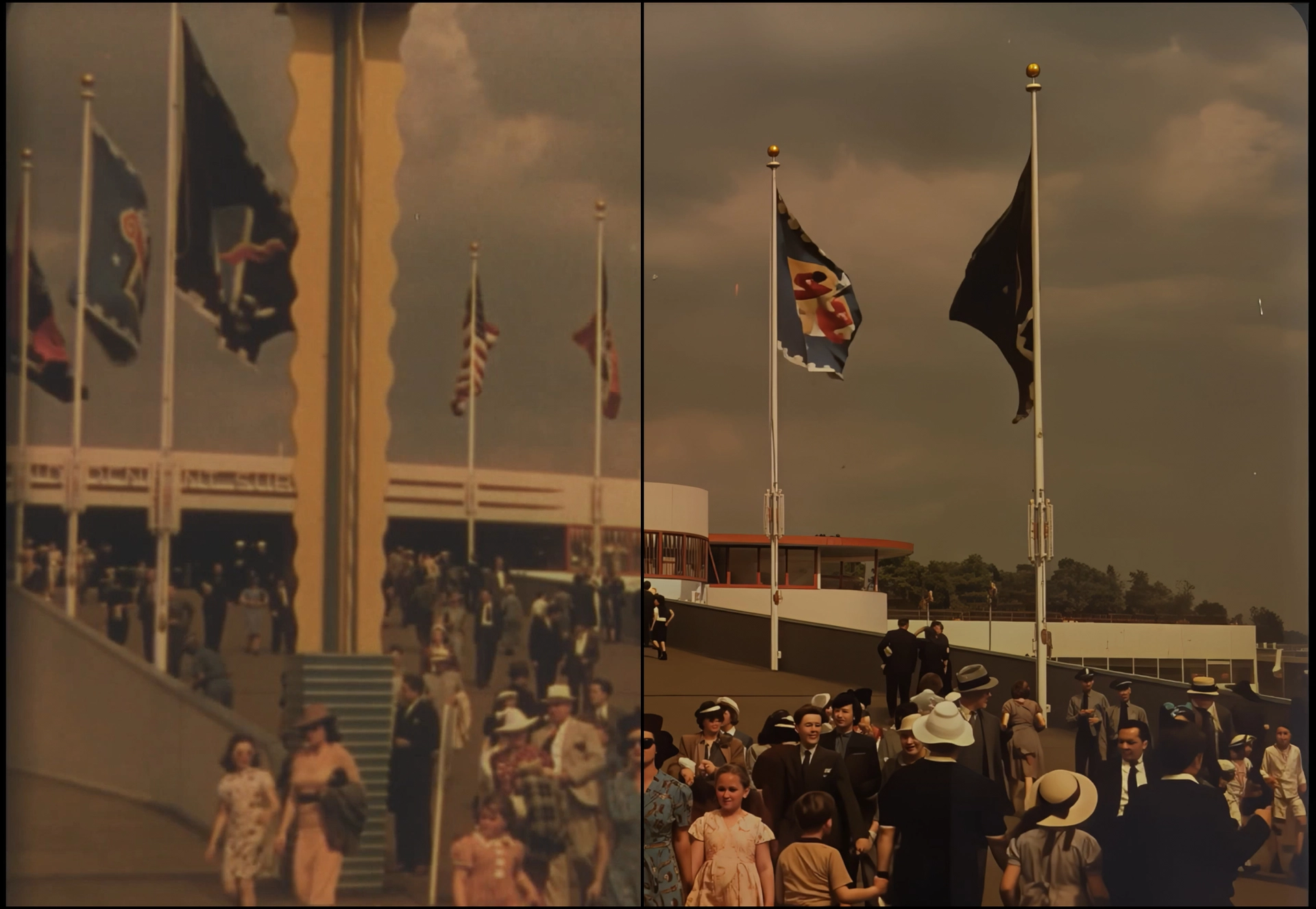
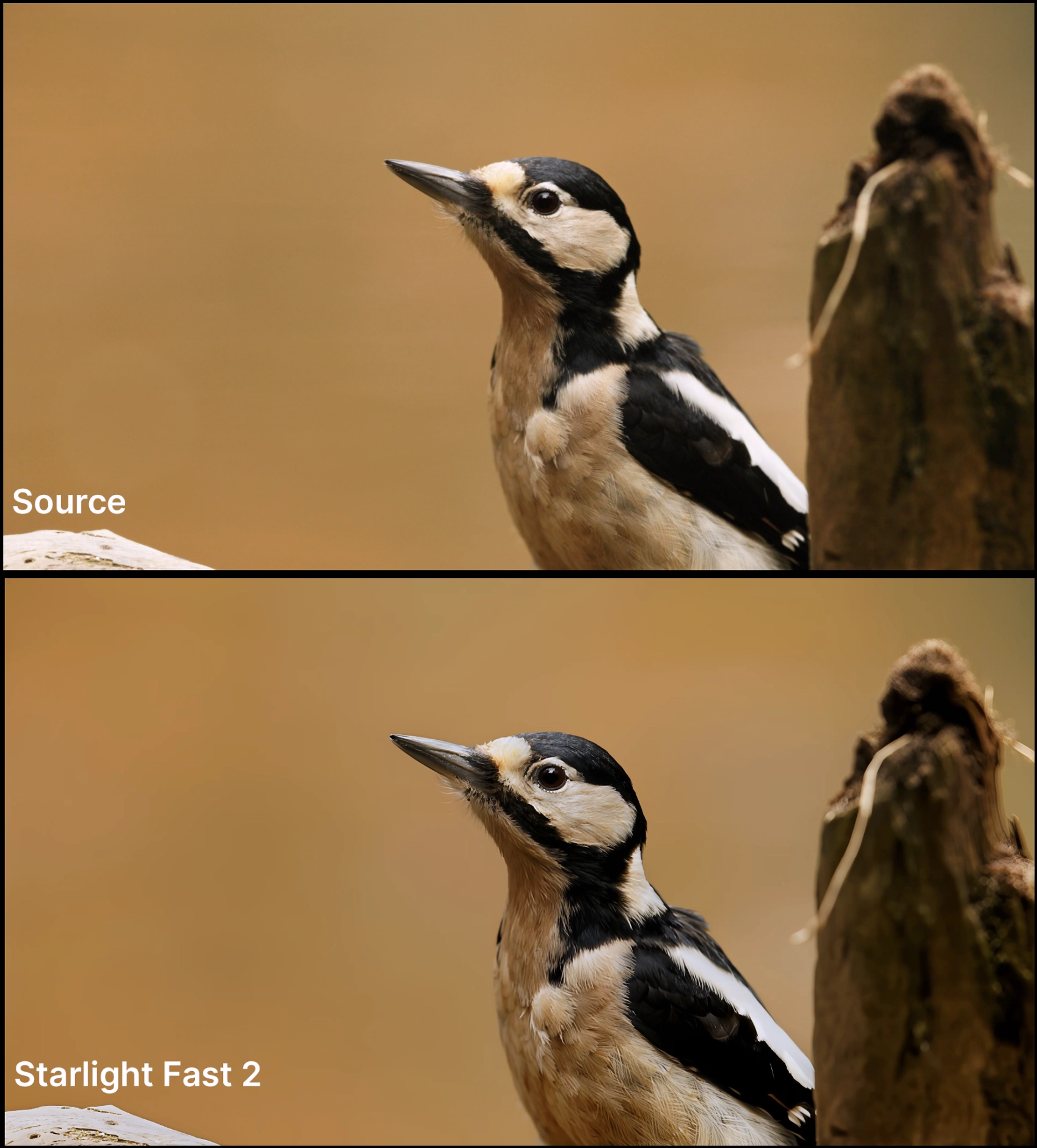
Introducing Starlight Fast 2, for local desktop rendering! Starlight Fast 2 is the third variant to the desktop Starlight Model Family. Note that Starlight Fast (formally Starlight Speed) exists on Astra. This model is great at getting good diffusion results at a much faster processing time. Note, that in order to make this model both available locally and still be speedy (for a diffusion model) there is a slight difference in quality between local and the cloud iteration.
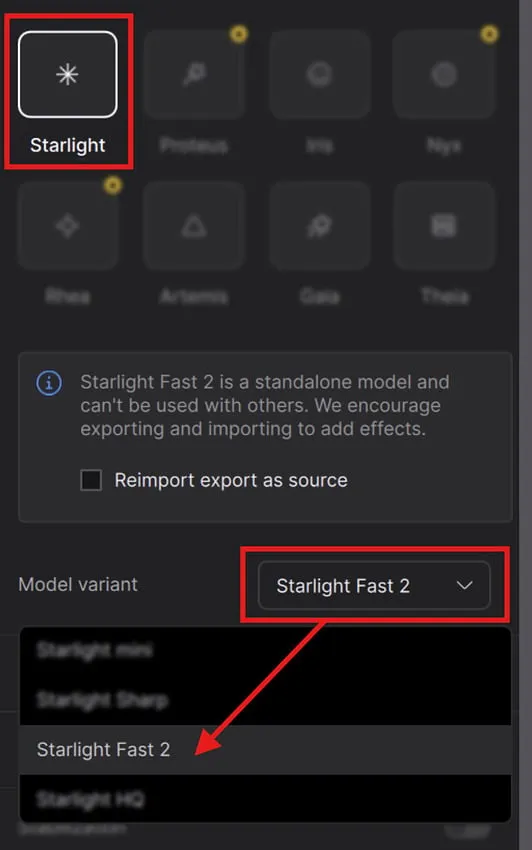
The following available outputs are multiplied relative to the original resolution or minimum/maximum resolution threshold for the model:
- Minimum
- 2x upscale
- 3x upscale
- 4x upscale
If your content is already at the max output, such as 4k, then no matter the scale factor, the max output will be rendered:
- Minimum (3840x2160)
- 2x upscale (3840x2160)
- 3x upscale (3840x2160)
- 4x upscale (3840x2160)
Things to know:
- Best results come from 2x and above upscaling.
- Great option for faster local diffusion based rendering.
- Recommended to use video inputs at or under 4K.
- Outputs between HD - 4K renders.
- This model works for Medium to High Quality content whether this is generative or live action videos.
- Speed can be 3-5x faster than Starlight Mini pending on your GPU and available VRAM.
- Provides better treatment for flickering/stuttering frames (especially when camera moves)
- Model access via the cloud for all subscribers.
- Cloud Export supported
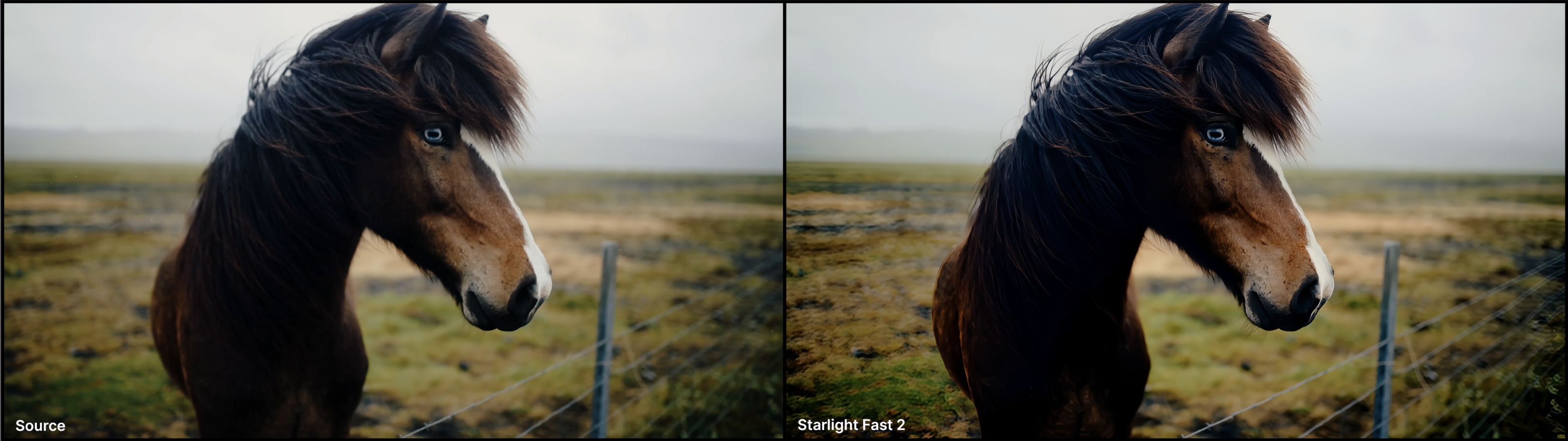
This model is less ideal for content with:
- Haloing issues common with vintage digital videos
- hair quality can vary in detail when content is on the lower medium spectrum.
- Not intended for very low/poor condition quality media.
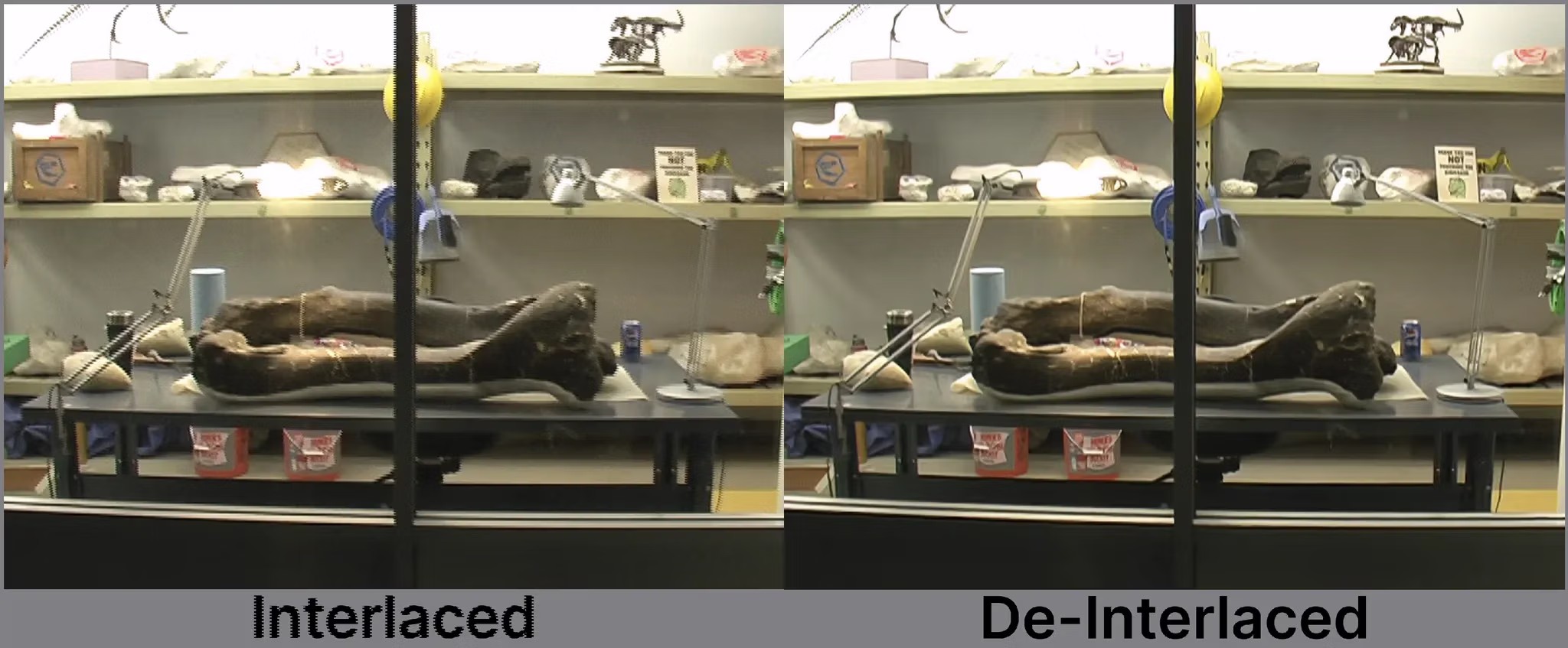
- Interlaced content needs to be de-interlaced first.
- Small repeated patterns can flicker
Starlight AI Model
Starlight Fast 2 is a model variant of Starlight.
- You will need to first select the Starlight AI Model.
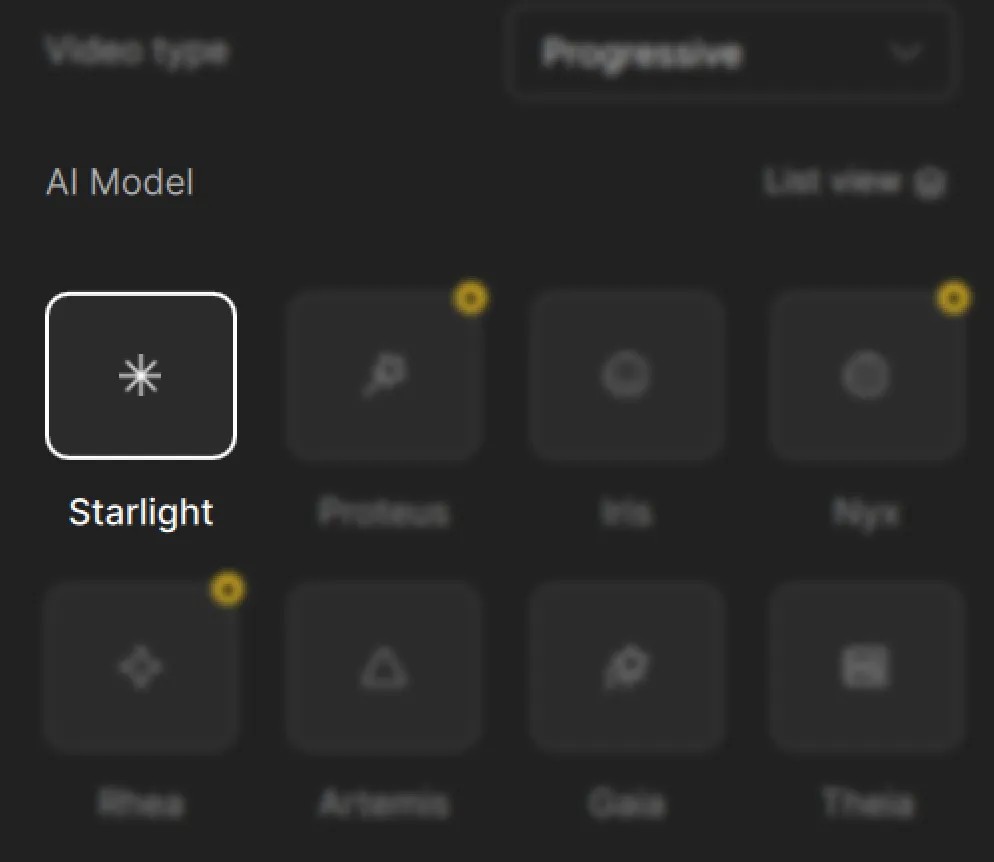
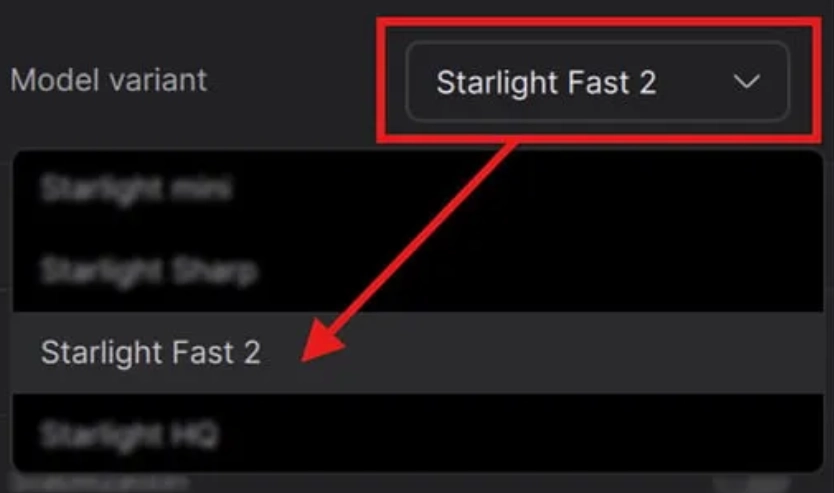
- Just a little below, you will see a section called Model Variant. This is where you will click on the caret to reveal the drop down menu. The third option is Starlight Fast 2.
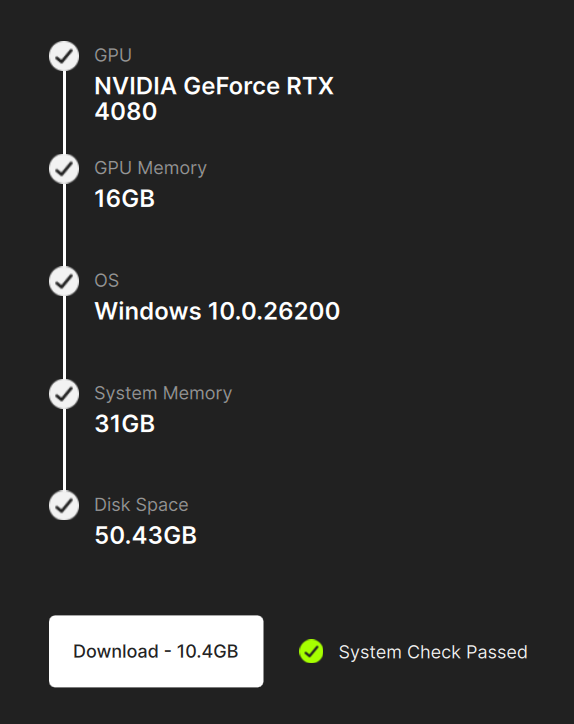
- If this is your first time using the Starlight Model, you will be prompted to “Run system check” before you can download the model.
- Once you click on the button, the system check will conclude if your system can indeed run the model and you will be given access to download.
- When the download is complete, you can close out of this window.
- Now that you have the model downloaded, you can now use it on your videos.
Starlight Fast Notes and Reminders
- You will need a Pro account to render locally.
- Starlight Fast 2 is currently only available for local rendering to Windows users with NVIDIA GPUs.
- This model is quite demanding in terms of VRAM, requiring a bare minimum of 16GB or more in order to run the model effectively.
- It is also recommended to have 32GB of RAM.
- There is a slight quality difference between renders with 16GB vs 32GB VRAM. The latter being a tad more detailed.
- Though this model has been noted to be 3-5x faster than starlight mini, it is still a diffusion model, so long render times are expected when rendering locally.
- Recommended to use square-pixel video footage at or under 4K UHD to avoid any aspect ratio shifts
- Ensure that you are using the latest driver for your graphics card.
- Currently capped at 4K resolution locally and in the cloud.
- Starlight Fast 2 is a standalone enhancement and can’t be combined with other filters.
- It is not recommended to run Preview or Frame Preview with this model. It will not work. It is recommended to export a few seconds for Preview purposes.
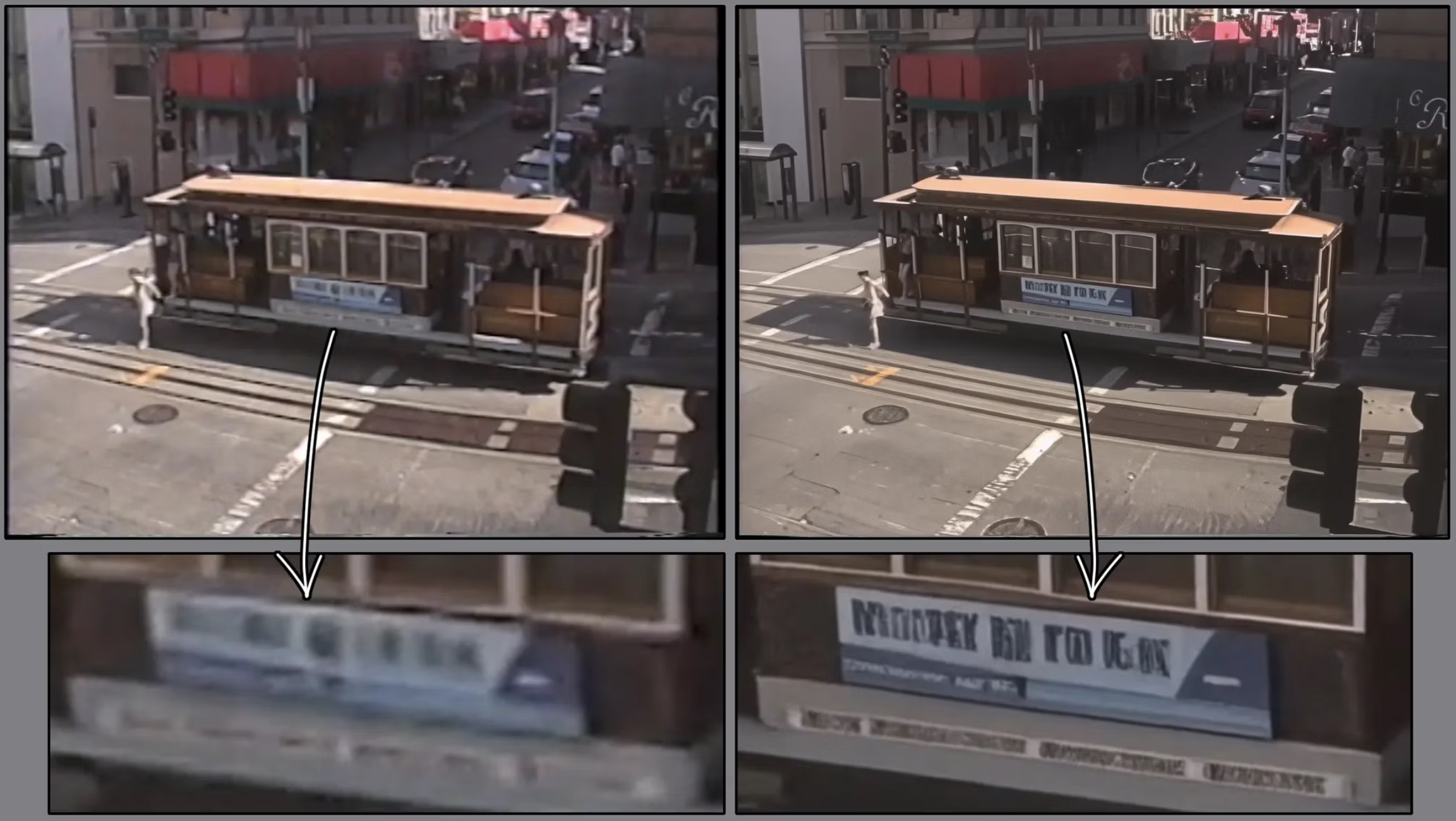
- Please note that if you have text that is too small, blurry or inconsistent, the result may not be processed correctly. The AI model may interpret unclear text as a texture or pattern.
- If you have interlaced videos, it is recommended that you de-interlace first before enhancing with with this model.
Enjoy faster diffusion rendering with Starlight Fast 2!