Studio Account Page
Your Topaz Labs Studio Account Page
Your Studio Account Page is where you can manage your subscriptions, view credit balances, review transactions, and update billing details.

Go to My Studio Account Page
Overview
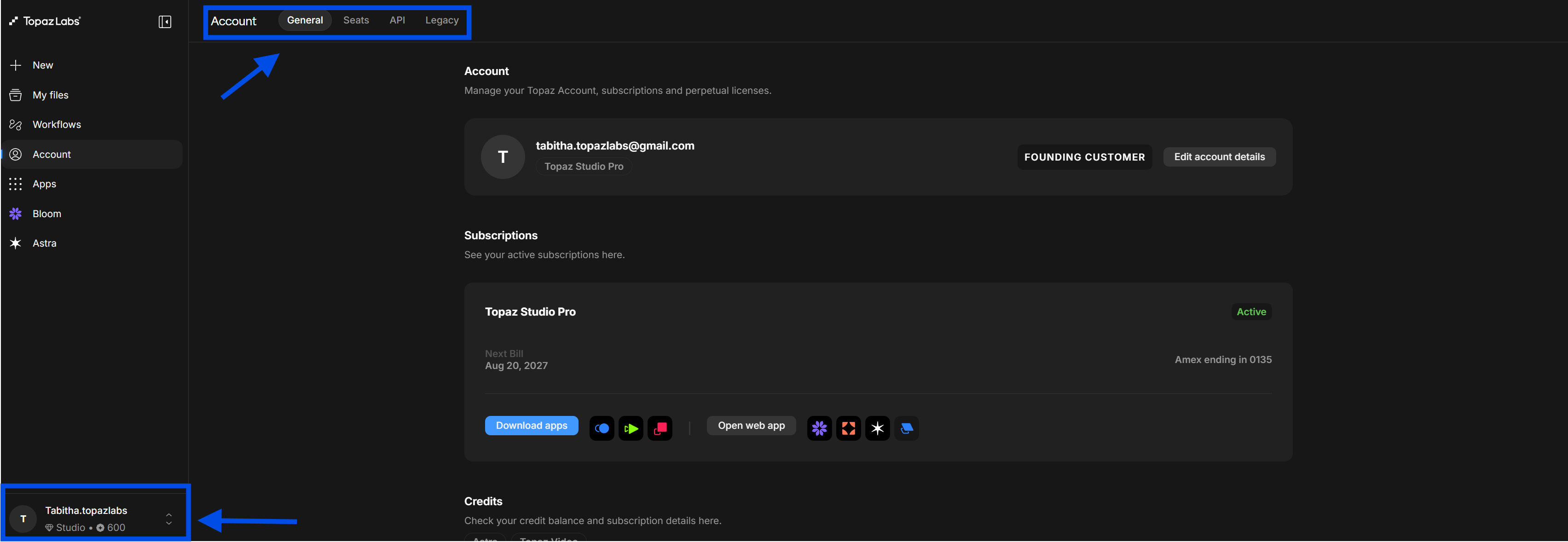
When you log in to your account, you'll land on your account overview. The page is organized into three tabs ~ General, API, and Legacy ~ with the General tab open by default.
Profile
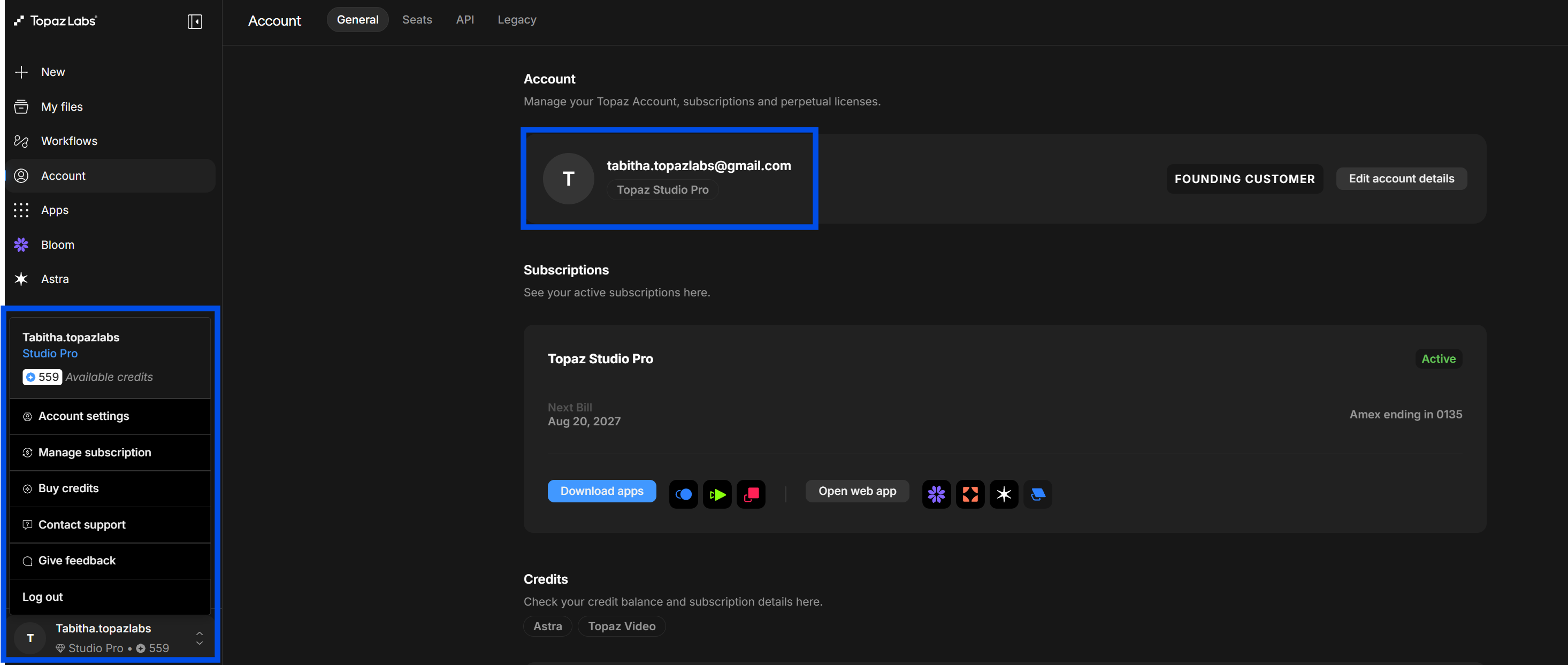
Your profile displays your email address and account name.
Subscriptions
The Subscriptions section shows all active plans attached to your account. You can view subscription status and access options to manage or cancel from here.
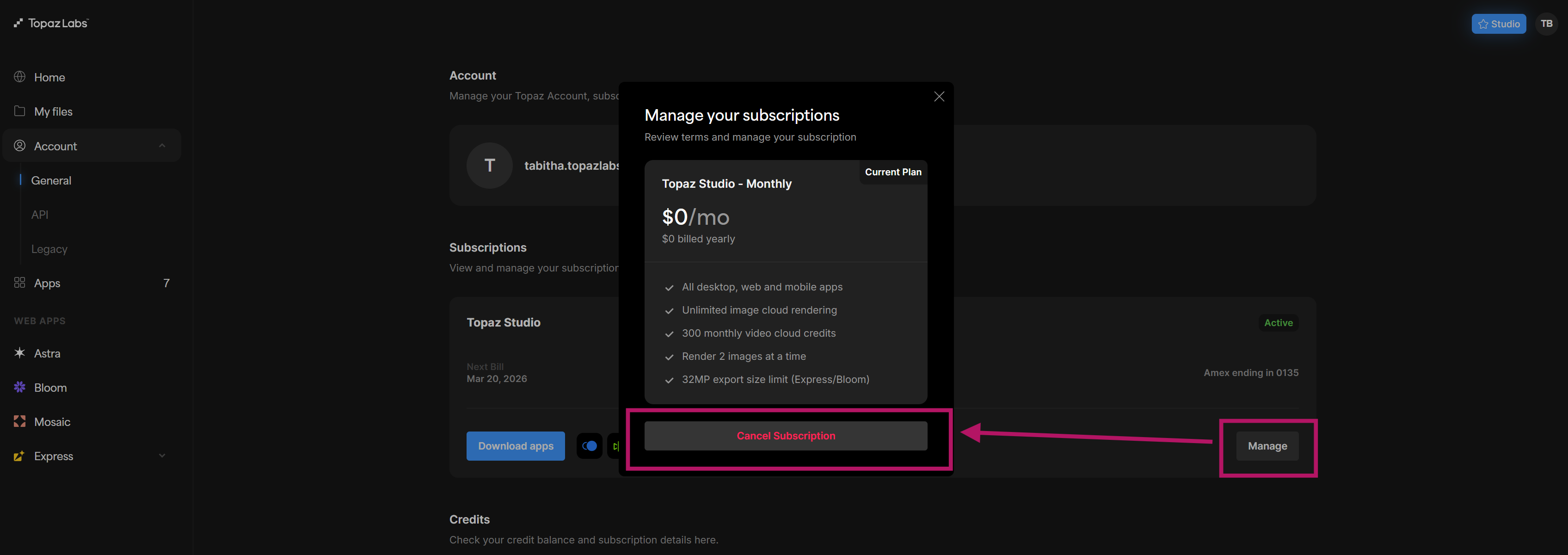
💡 To cancel a subscription, see the Managing your subscriptions guide.
Credits
Credits are used for cloud rendering in Topaz Video and Astra. Your current balance is shown here for each product. Credits are allocated based on your subscription plan and may not roll over between billing cycles.

💡 Learn more about how credits work in the Cloud Rendering guides for Topaz Photo, Topaz Gigapixel, and Topaz Video.
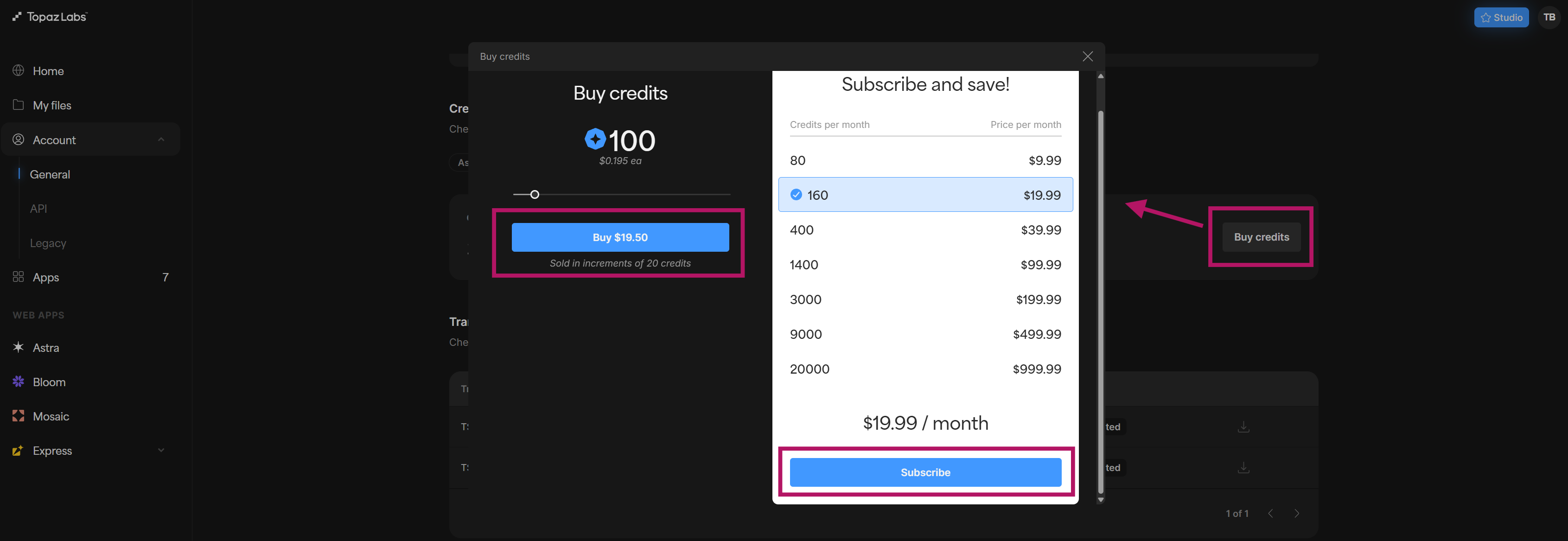
🪙 If you need more credits, select the Buy credits button on the page. One-off credit packs and monthly subscription plans are available.
Transactions
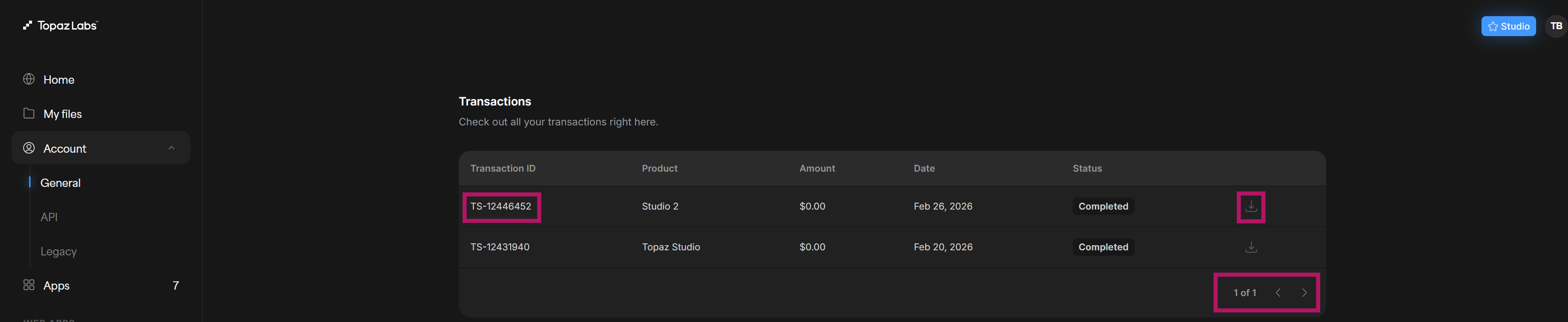
All purchases and charges appear here with a transaction ID, product name, amount, date, and status.
Billing & other details
Use these quick links to manage your billing info, payment methods, and VAT settings.
- Edit account details
- Update billing address
- Manage payment methods ~ Updating Saved Payment Method Steps
- Add or update VAT ID ~ VAT number used for cross-border transactions
Legacy tab
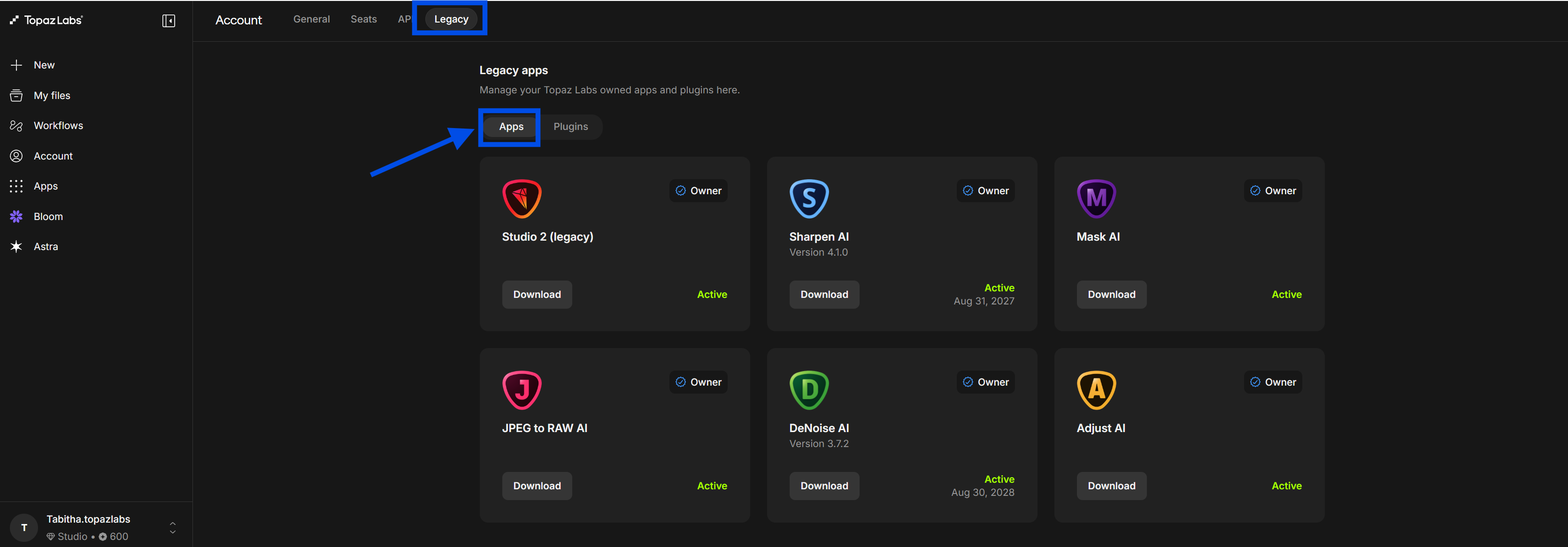
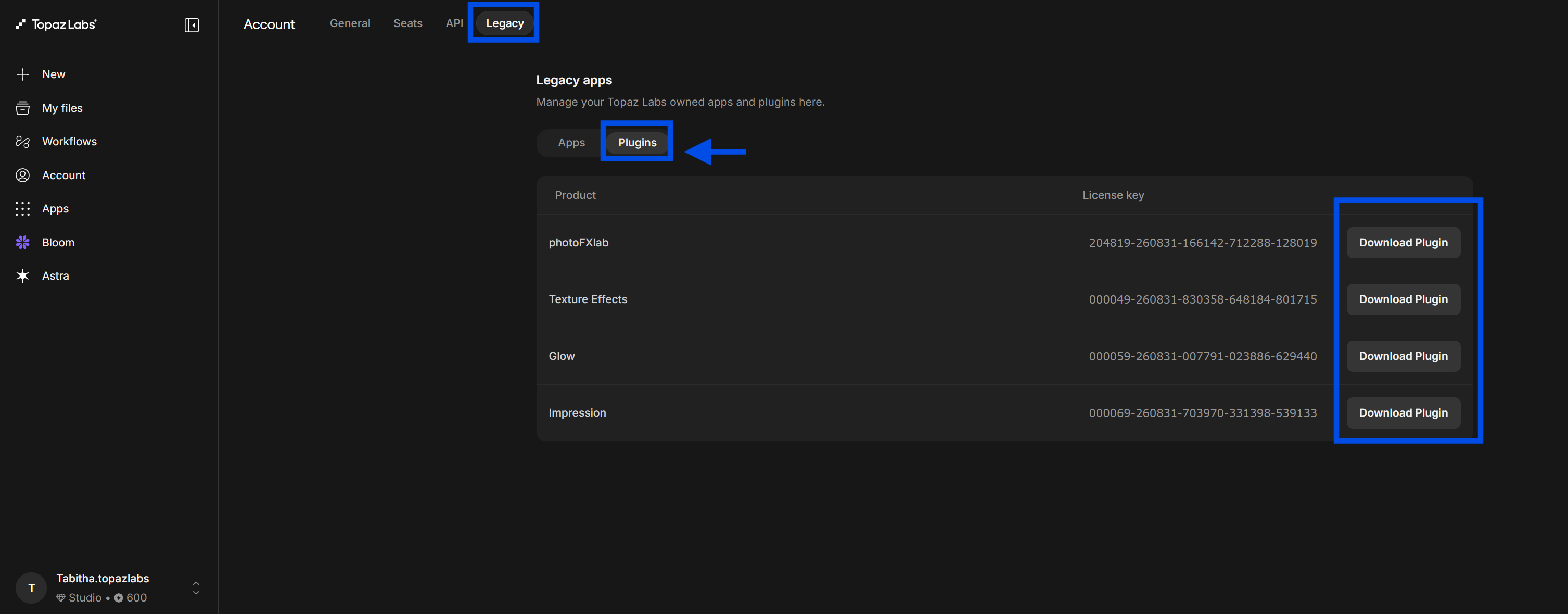
If you own perpetual licenses for older Topaz desktop apps, switching to the Legacy tab will show your owned products and available installers. This tab is only visible if you have legacy purchases on your account.
💡 Looking to move a legacy app to a new computer? See the Move apps to a new computer guide.