Grain
Grain
When light travels through a camera’s lens, it hits either the film that causes a chemical reaction or the sensor with ISO that has to be pushed further to interpret light, especially in low light situations. It is at this point for either the film or sensor interaction with light, where the grain or noise gets generated and affects your output.
Film Grain is a unique attribute of analog media. The size, frequency, and characteristics of different film grain comes from the quality of the film stock itself.
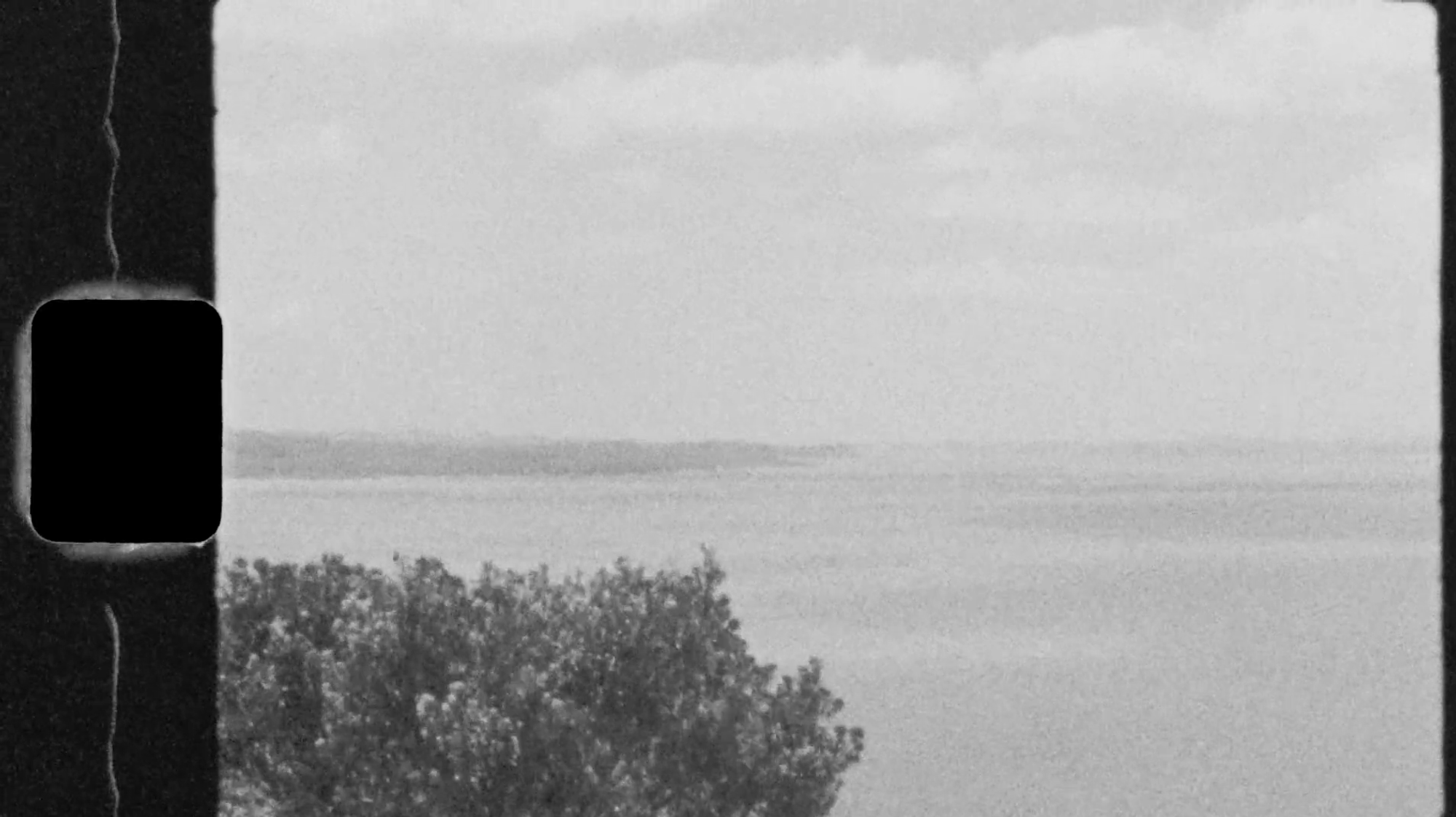
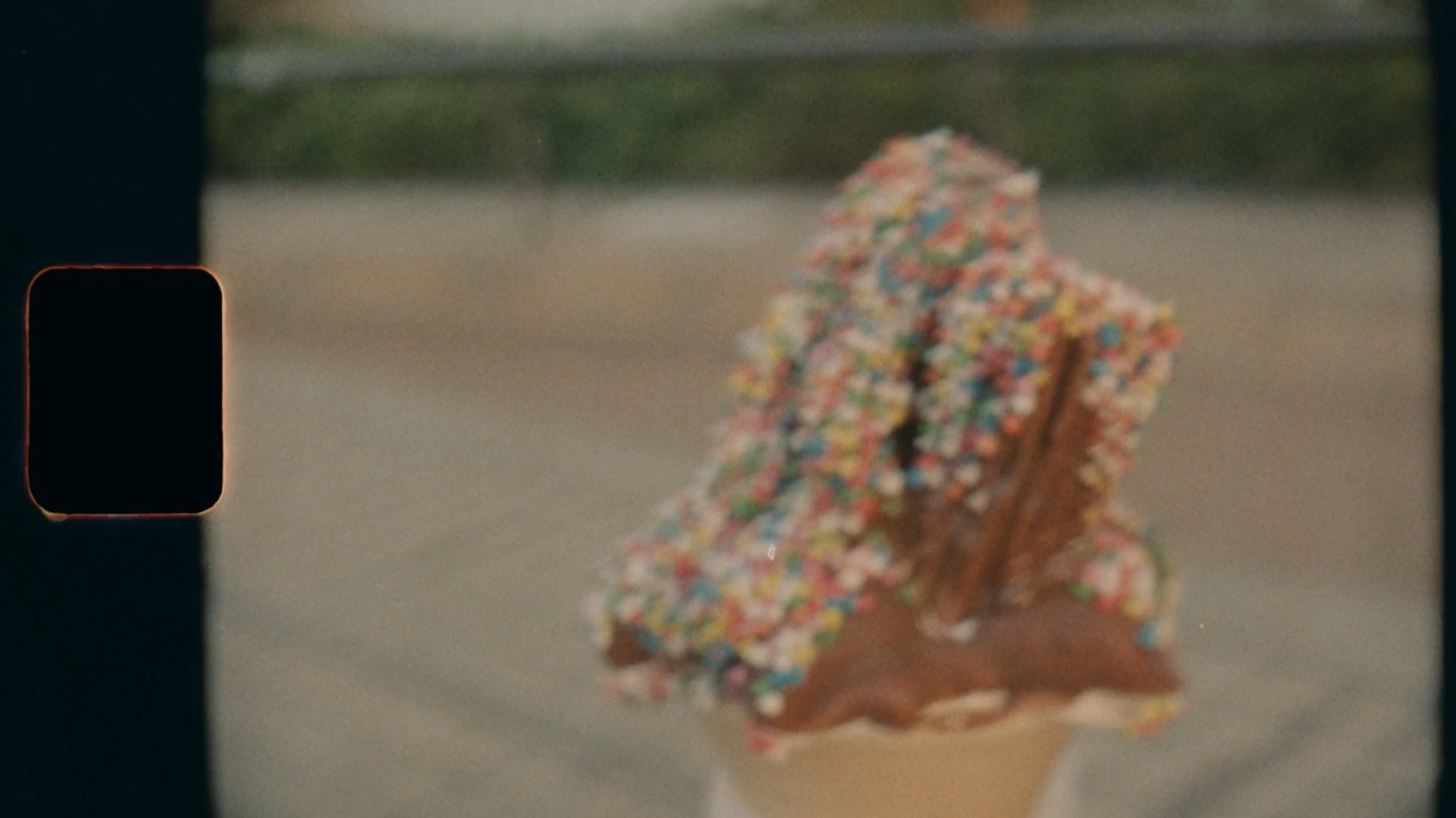
- When digitally applied, grain adds a visual texture that gives an organic feel.
- Mimics the the look and feel of film, and can contribute to a more natural result when combined with AI model enhancement.
- Adds a creative touch to otherwise clean digitally captured footage.
- Grain is also used to mask banding patterns or low quality footage.
Similar to Grain, Noise is a fine digital sandy textured artifact, a result from the image sensor and most commonly seen during low lighting situations.
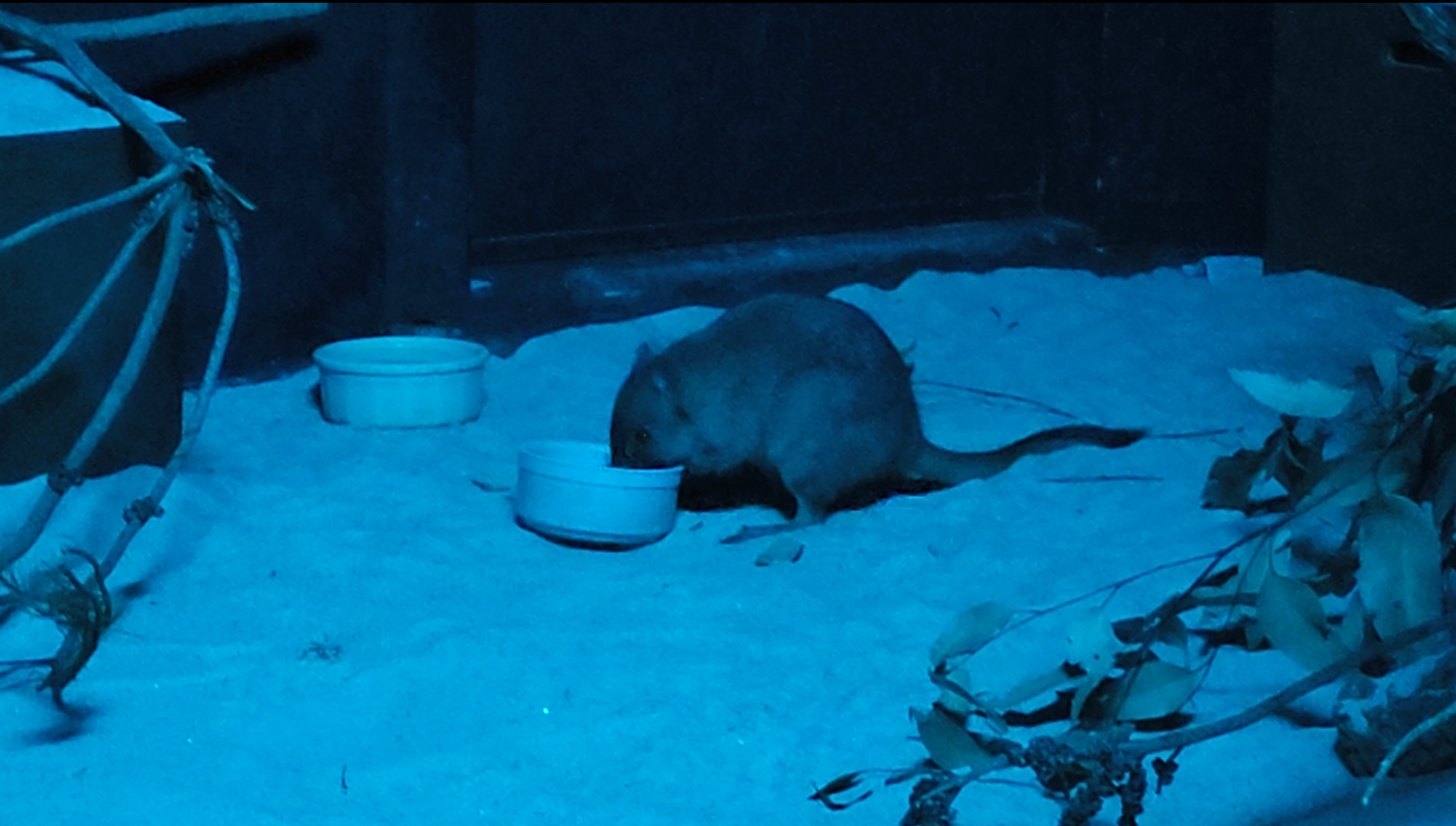
There are a few things that's worth noting about what considerations were built into our grain:
- Luminosity levels (happens in the background)
- RGB Channel wavelengths causes different strengths for grain (happens in the background)
Adding Grain
Grain can be found just below Focus Fix and just above the parameters for the AI Model on the Controls Sidebar.
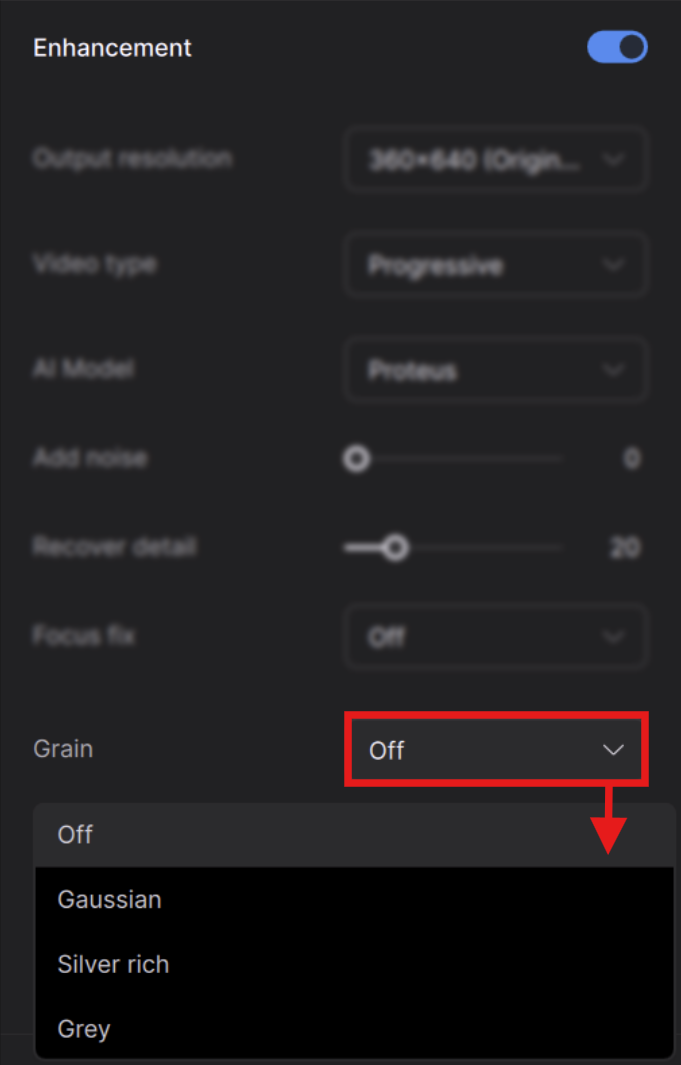
Click on the drop down menu to turn on the Grain tool.
There are 3 selectable grain types:
- Gaussian - RGB color grain. This is great for most types of film and digital captures that were shot in color.
- Silver Rich - This is a more organic grain that's more akin to traditional film stock.
- Grey - Essentially a grey scale version of Gaussian.
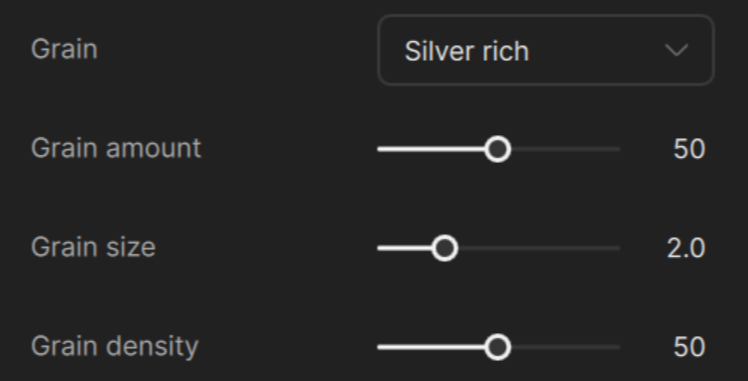
When you select your grain type, you can either leave the settings at default or you can modify this by adjusting the following parameters:
- Size - overall dimension of the grain.
- Density - is the strength of the grain.
- Amount - The quantity of the grain.
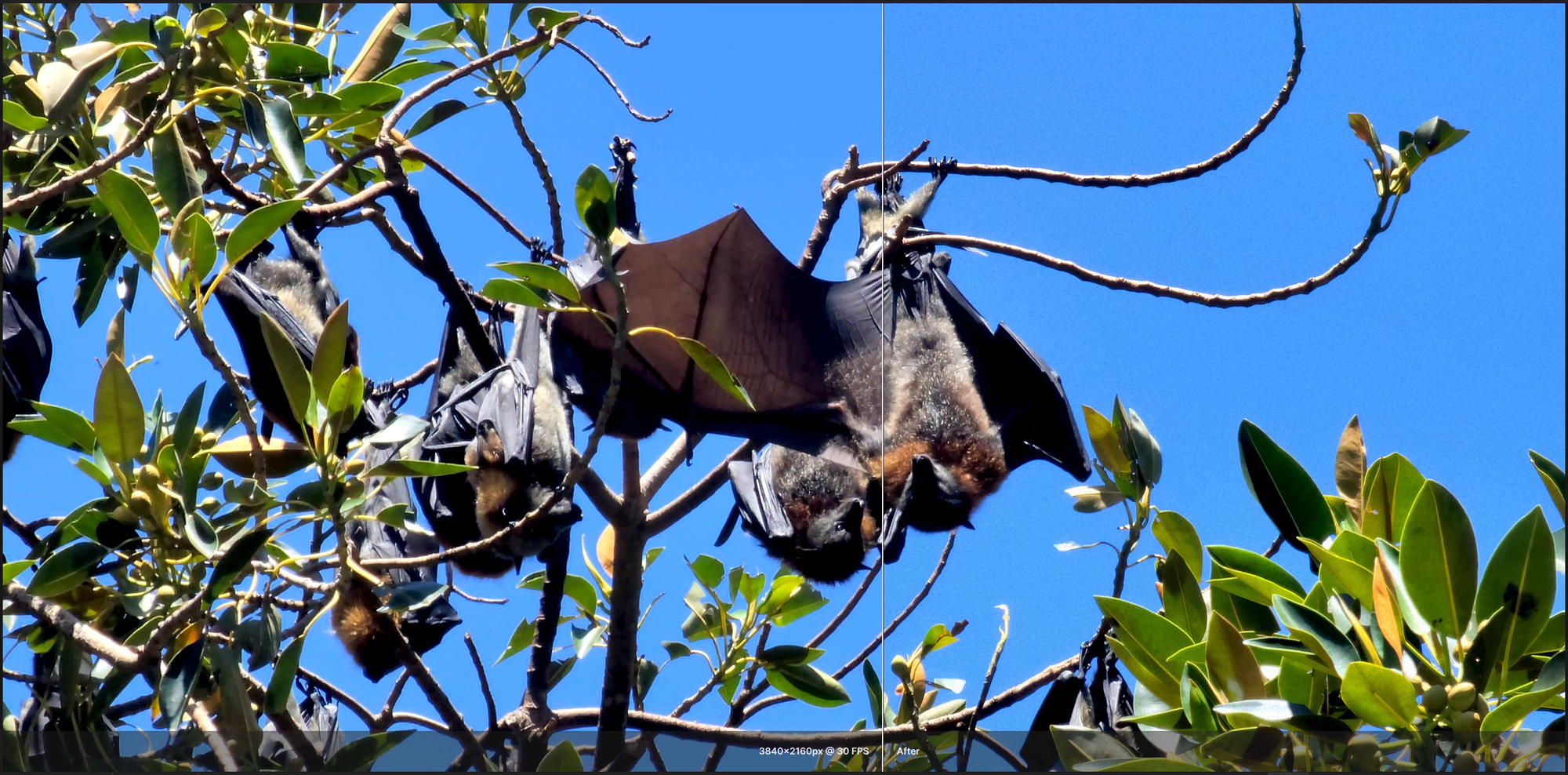
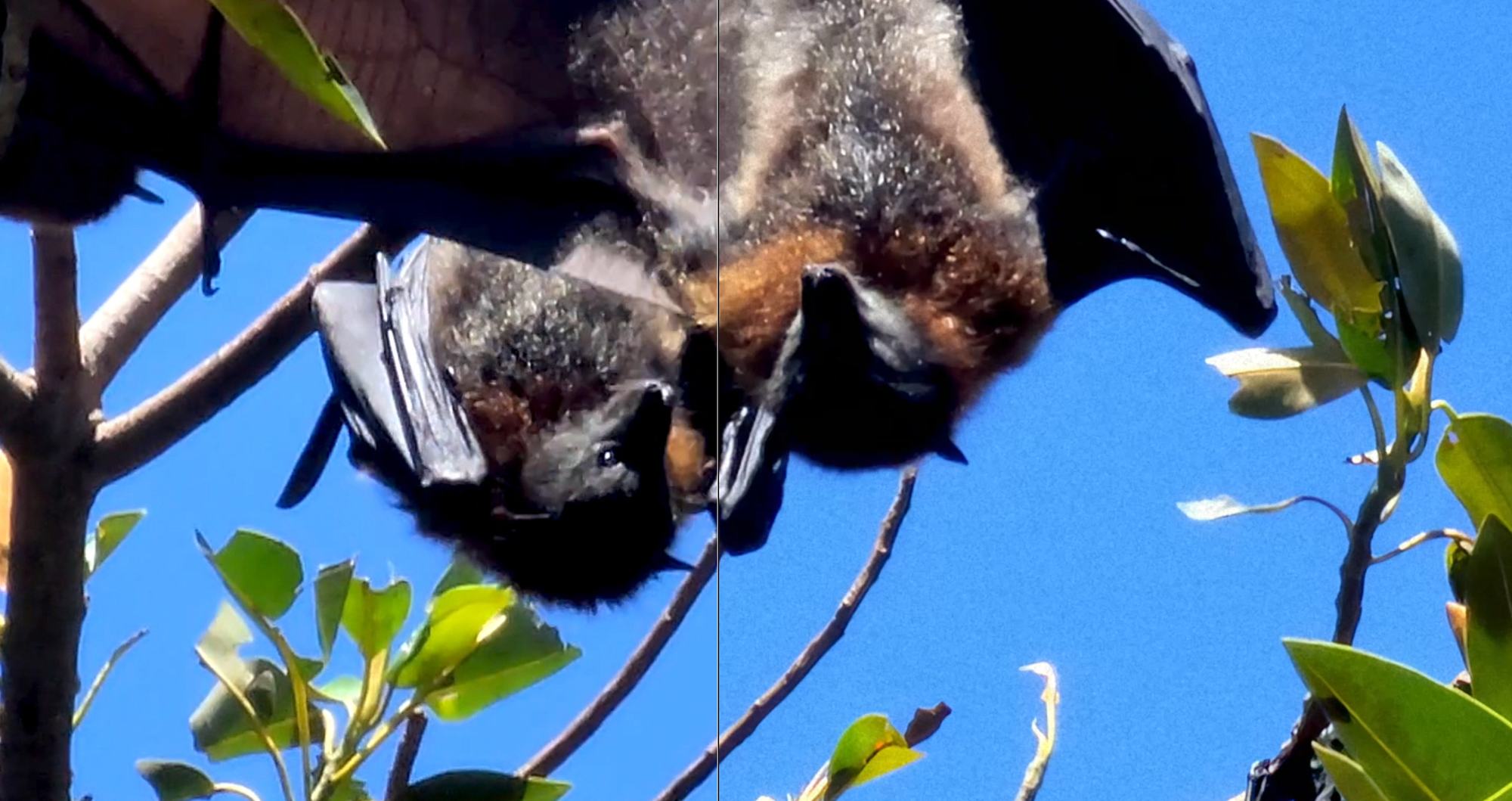
Enjoy building classic looks with Grain!