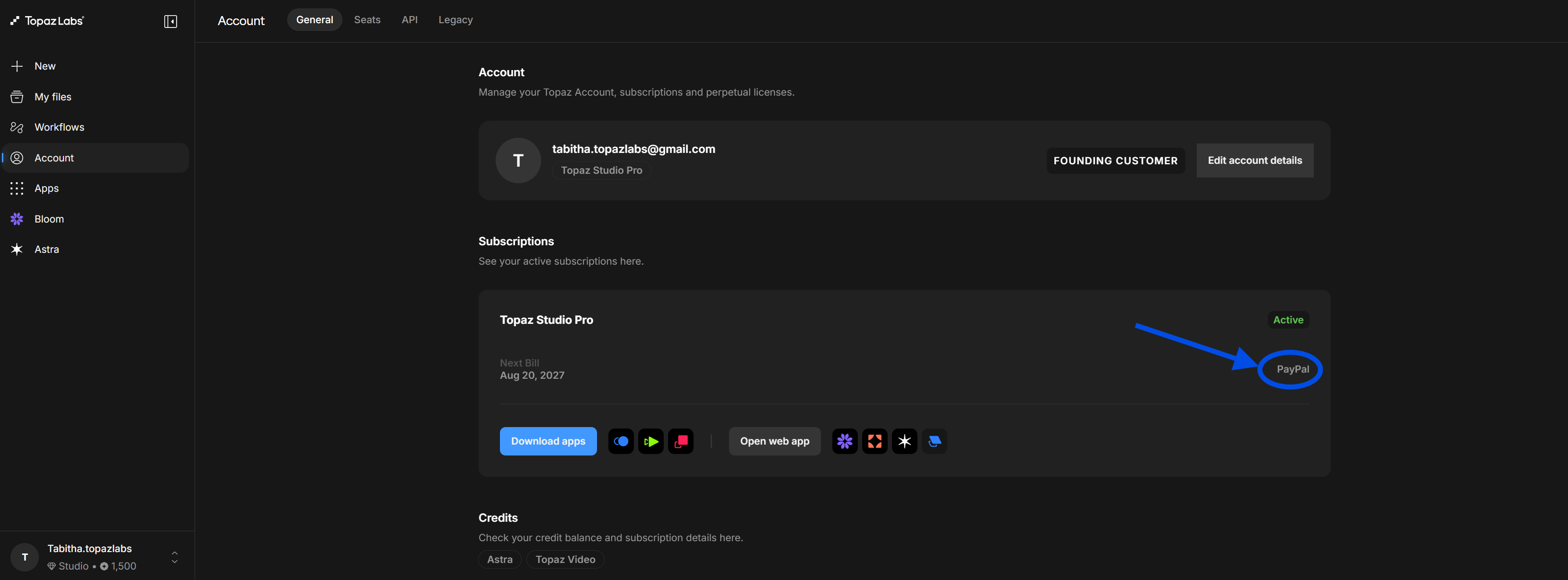
Changing Your Payment Method
Use this guide to update or add a payment method for your Topaz Labs subscription through your Studio Account Page.
You’ll learn how to access your billing preferences, select a saved card or add a new payment method, and choose from available payment options, including credit card, ACH, or PayPal.
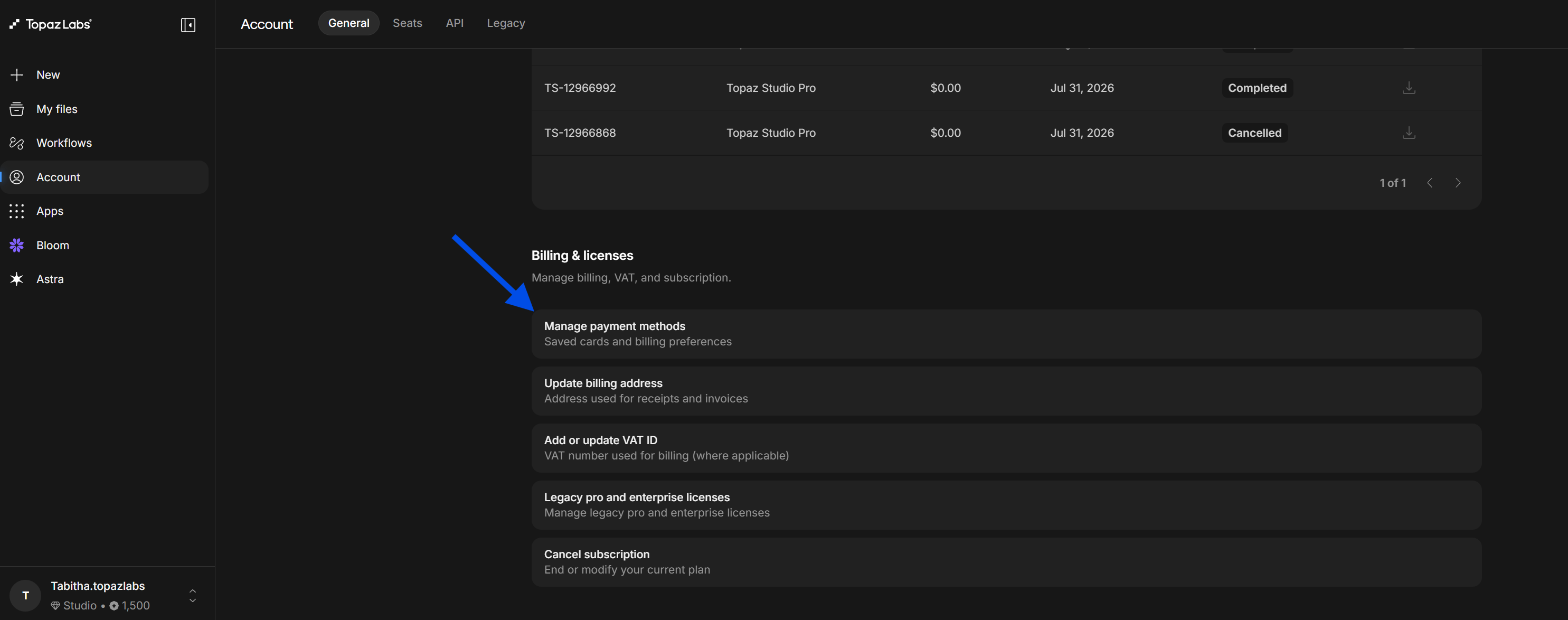
Log into your Studio Account Page. Scroll down to "Manage Payment Methods: Saved cards and billing preferences."
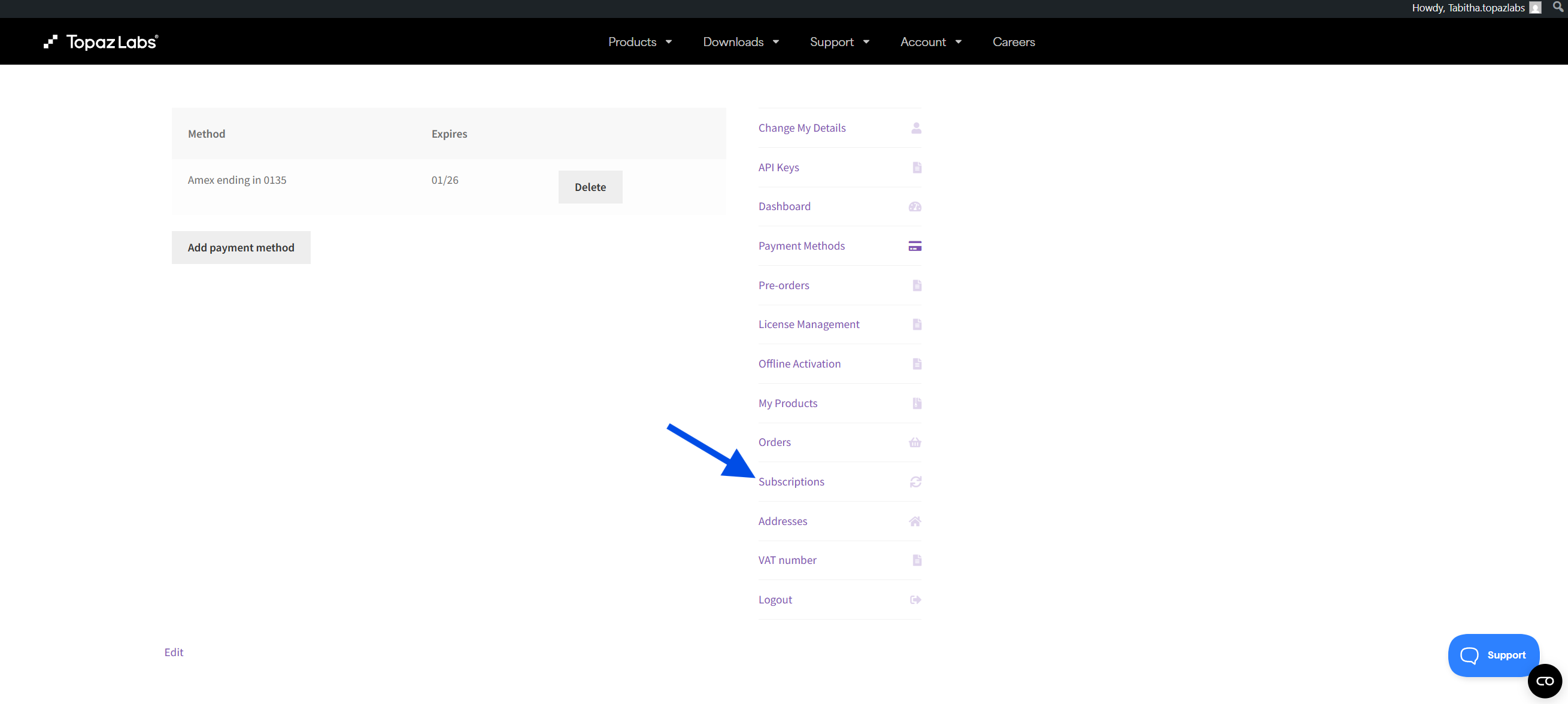
Click "Subscriptions."
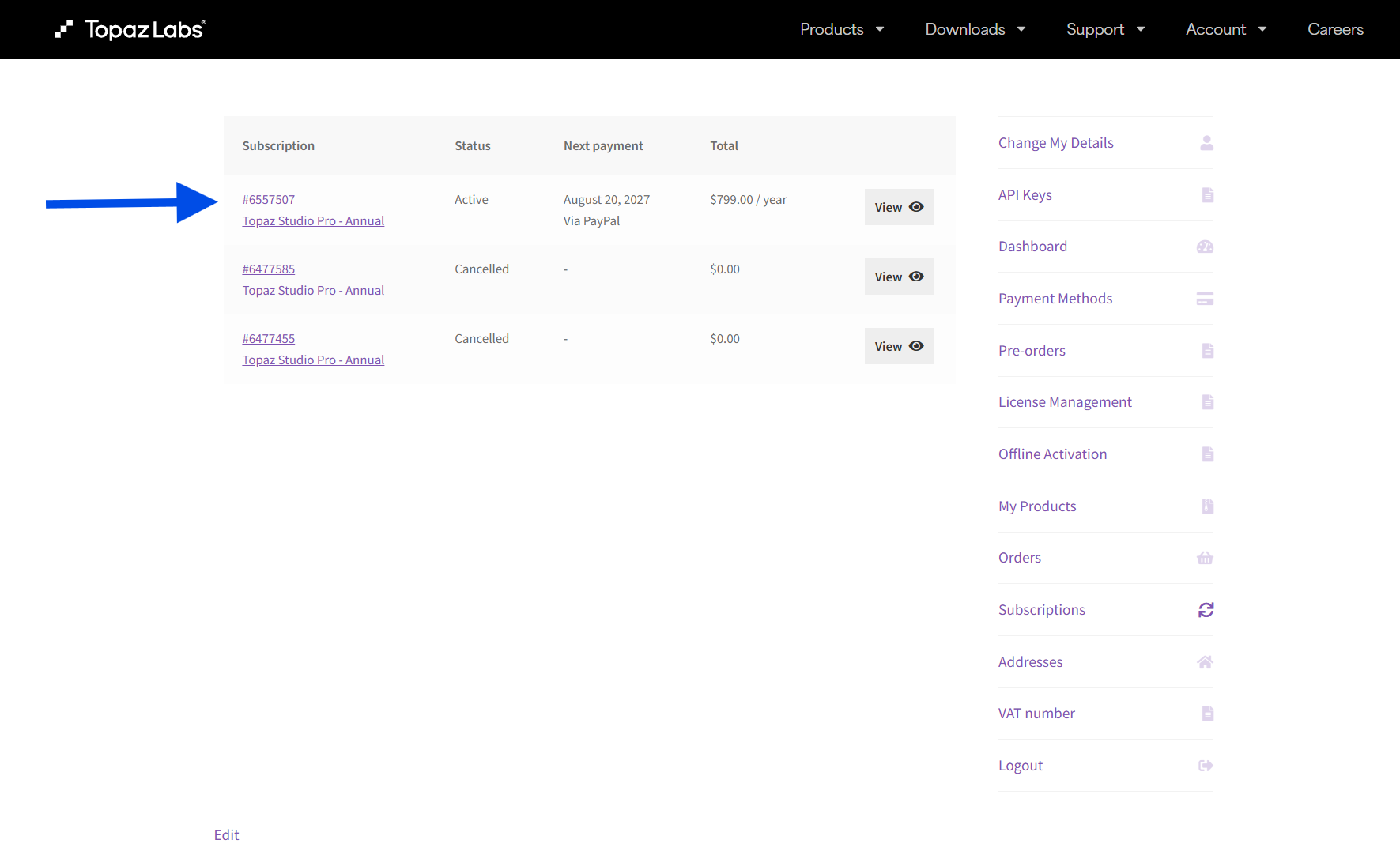
Click on your active Topaz Labs Subscription. For this example, it is Topaz Studio Pro - Annual.
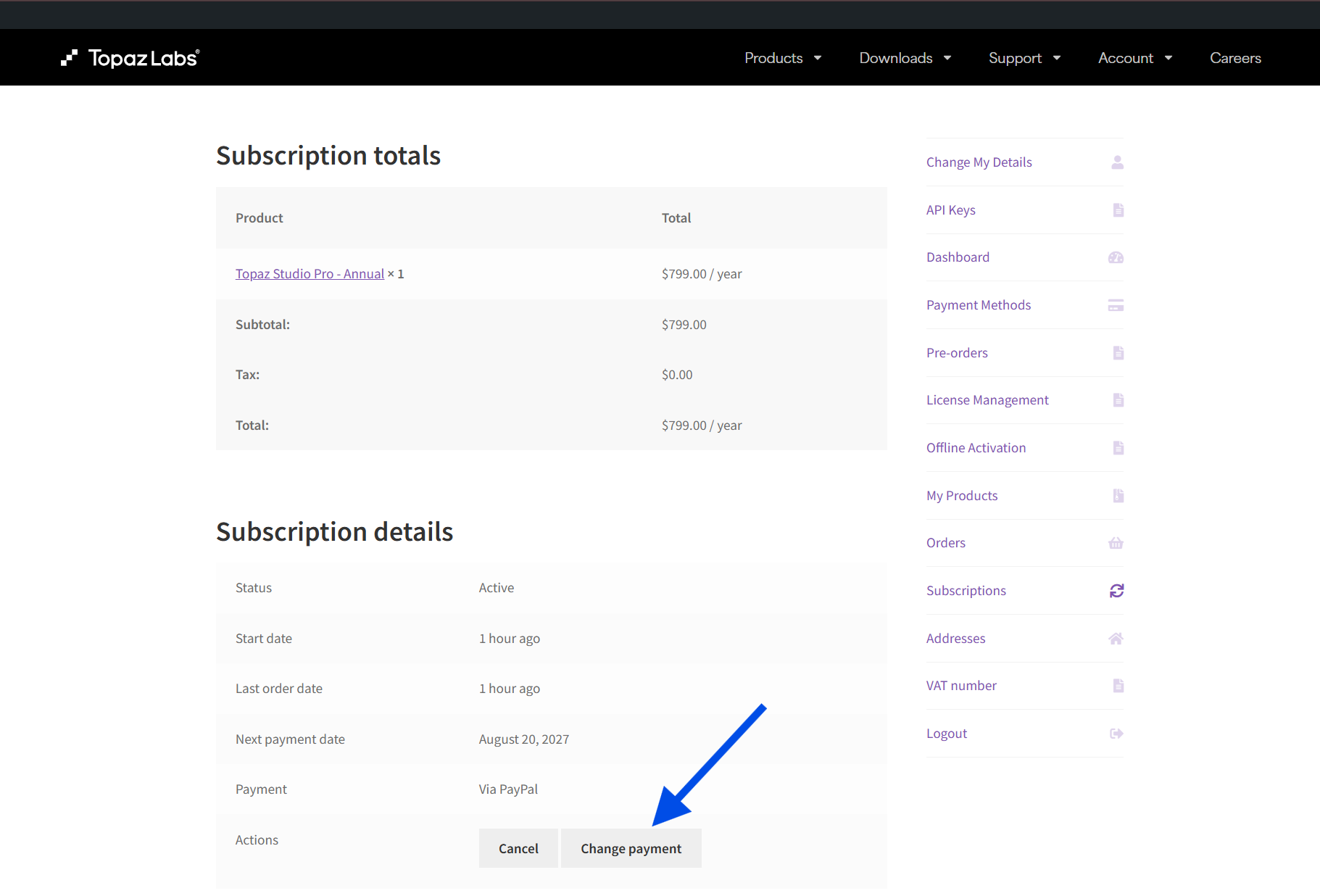
Select "Change Payment."
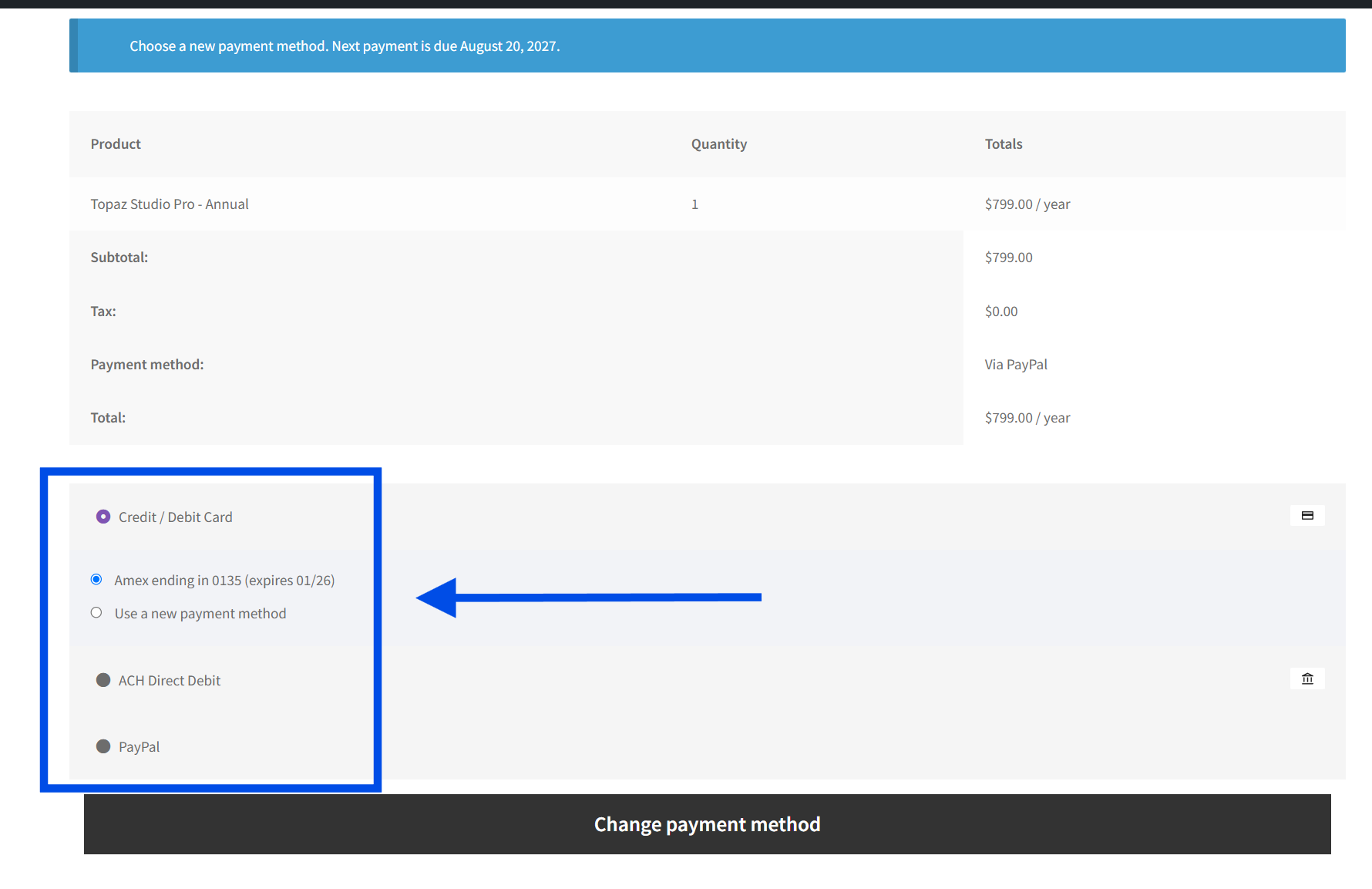
- For credit cards: You can use an existing card or add a new payment method
- For bank transfers: Click "ACH Direct Debit." Please note bank transfers can take 1-2 business days if manually entered.
- For PayPal: Click "PayPal"
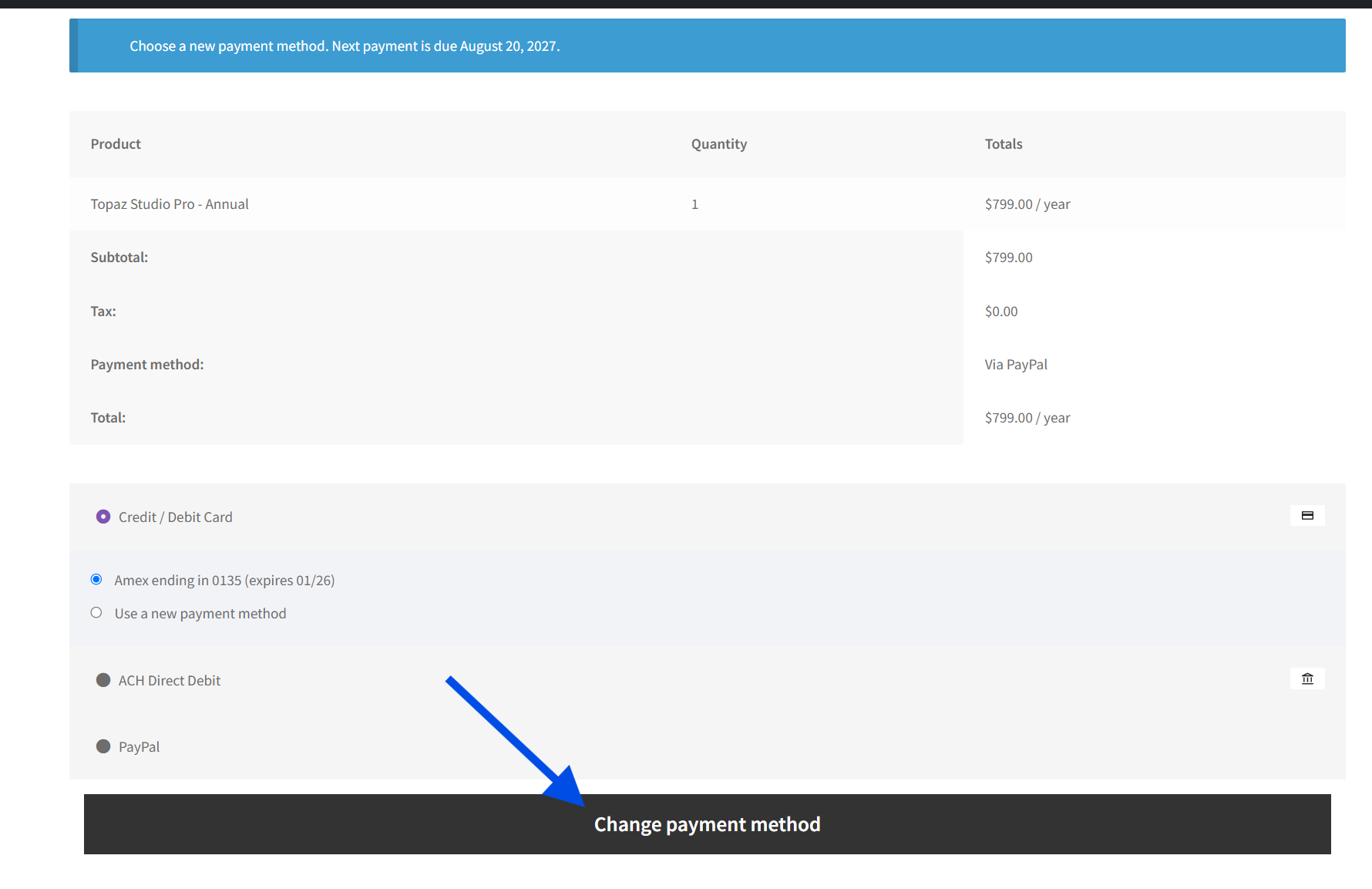
Click "Change Payment Method" to confirm the update. The screen will refresh automatically.
Return to your Studio Account Page and refresh the page. The updated payment method will be reflected in your subscription.