Reset Your Topaz Labs Password
Your Topaz account email and password are used to sign in to your account and access your apps.
If you know your current password, you can reset your password within your online profile.
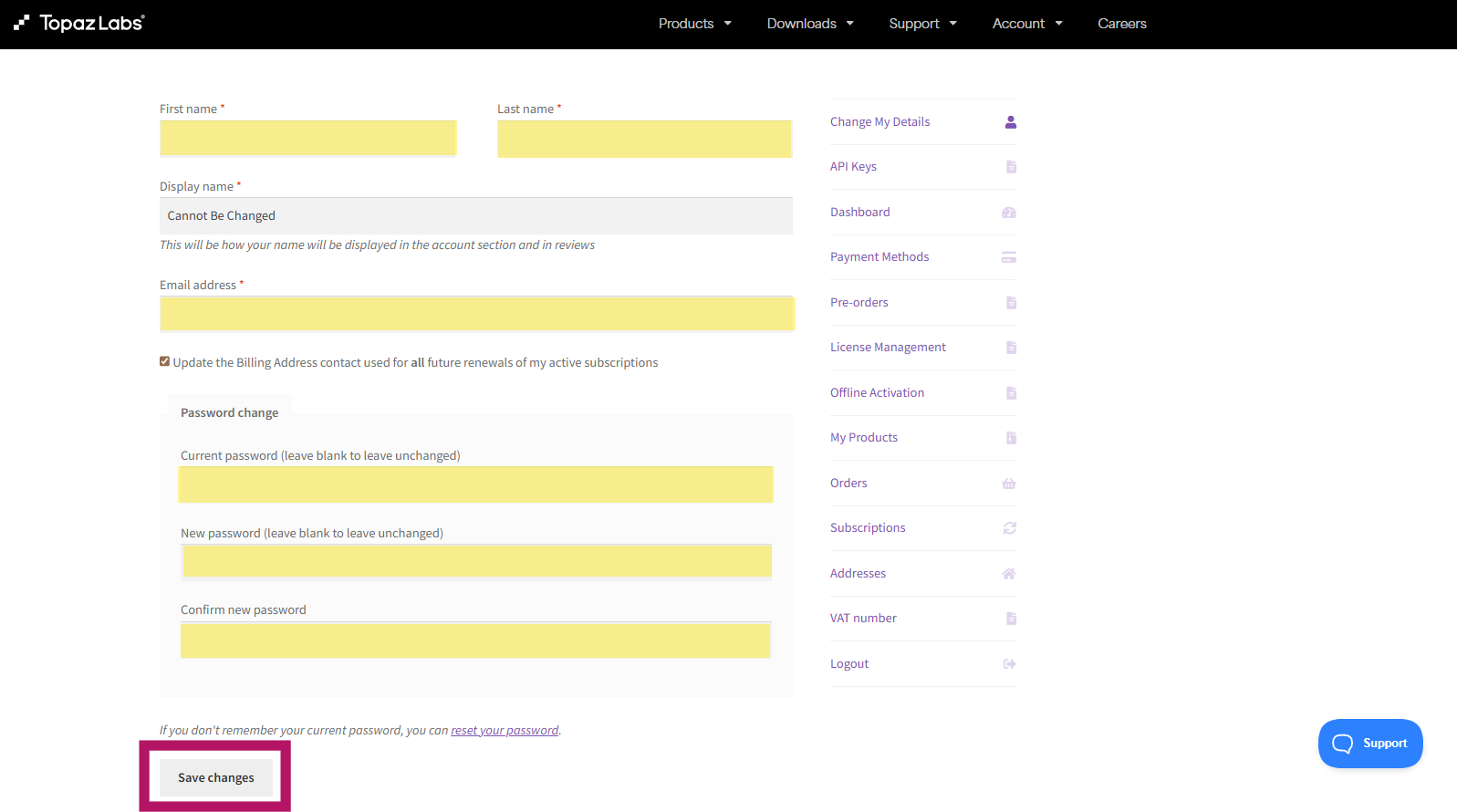
To update your password:
- Sign in to your Topaz account and open Account → Change My Details.
- Scroll to the Password change section.
- Enter your current password.
- Enter your new password.
- Re-enter your new password in the Confirm new password field.
- Make sure all password fields are filled out.
- Click Save changes to apply the update.
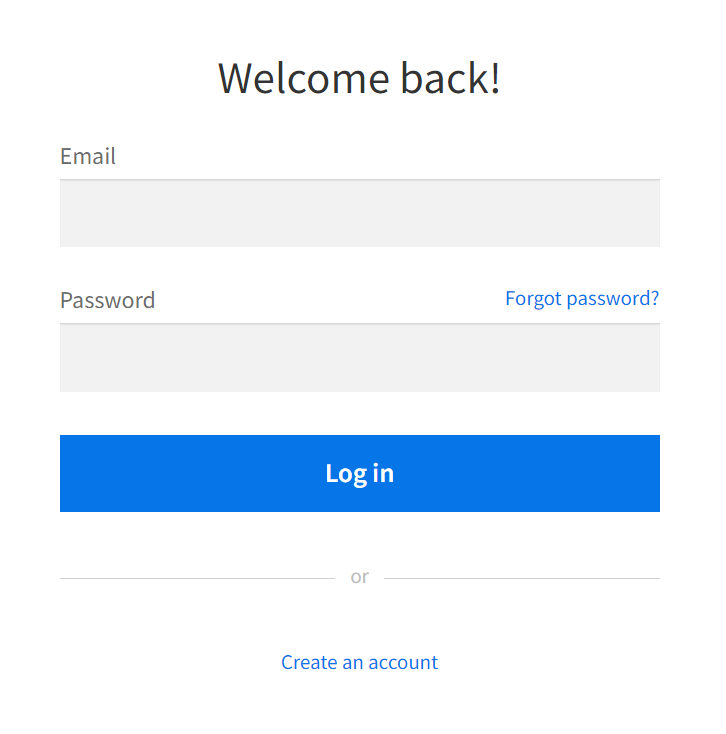
If you don't know your password, go to the topazlabs.com login screen, and click the "Forgot password?" link.
If you don't know your password, go to the topazlabs.com login screen and click the "Forgot password?" link.
On the next screen, enter the email associated with your Topaz Labs account.
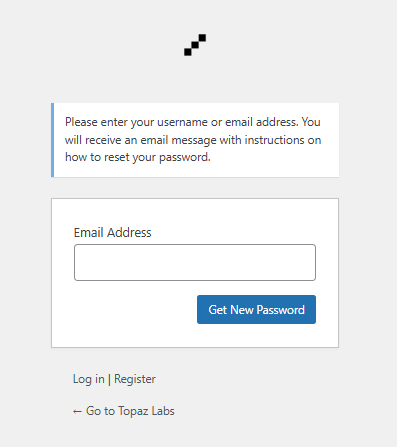
Once submitted, you will receive an email with prompts to reset your password.
Having Trouble Logging In With Safari?
If you recently reset your password but are still having trouble logging in, Safari may be using an older saved password or a different saved Topaz Labs login.
First, log out of your Topaz Labs Account Page if you are currently signed in.
When you log back in, do not use autofill. Manually enter your email address and updated password.
Check Your Saved Topaz Labs Login in Safari
Safari may save multiple logins for the same website. To check your saved Topaz Labs credentials:
- Open Settings on your device.
- Scroll down and select Passwords.
- Unlock your saved passwords using your passcode, Face ID, or Touch ID.
- In the search bar, type Topaz.
- Review any saved logins associated with Topaz Labs.
Remove Old or Incorrect Logins
If more than one Topaz Labs login is saved:
- Keep the login associated with the email address you currently use for your Topaz Labs account.
- Delete any old or incorrect saved logins.
- Make sure only the correct Topaz Labs login remains.
Once the extra saved logins have been removed, return to your Topaz Labs Account Page and manually sign in using your current email address and updated password.
Then open your Topaz app and follow the login flow to authenticate your account.
Tip: If Safari continues to autofill an old password, manually entering your credentials after removing the outdated saved login should resolve the issue.