Starlight Precise 2.5/2.6
Starlight Precise 2.5/2.6
Starlight Precise 2.5 and 2.6 are similar in many factors including model intent and the same requirements. Starlight Precise 2.6 is literally built upon 2.5 for greater improvements and options. Please refer to the "About" and "Less Ideal" sections for both models.
Starlight Precise 2.5 Local
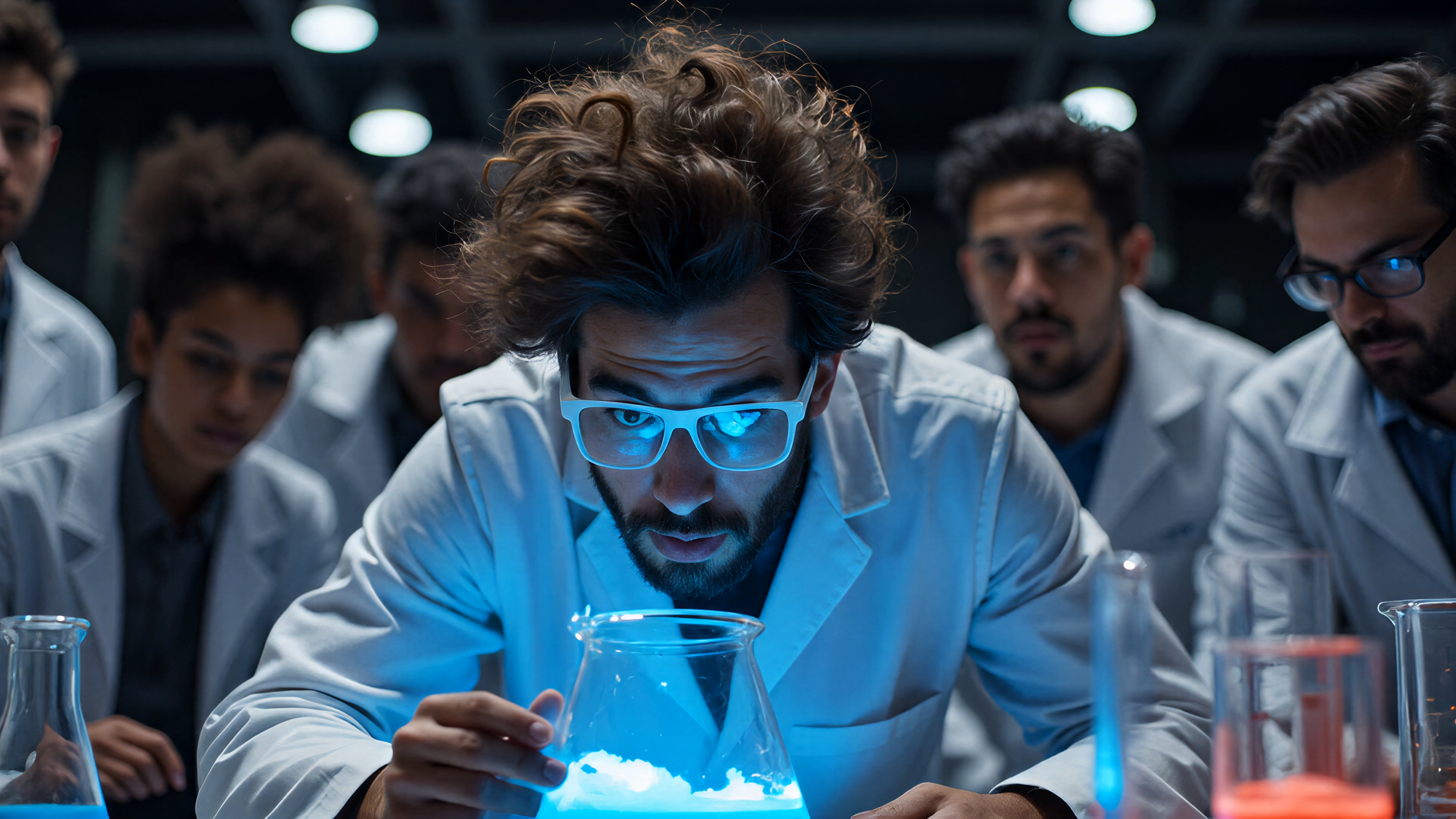
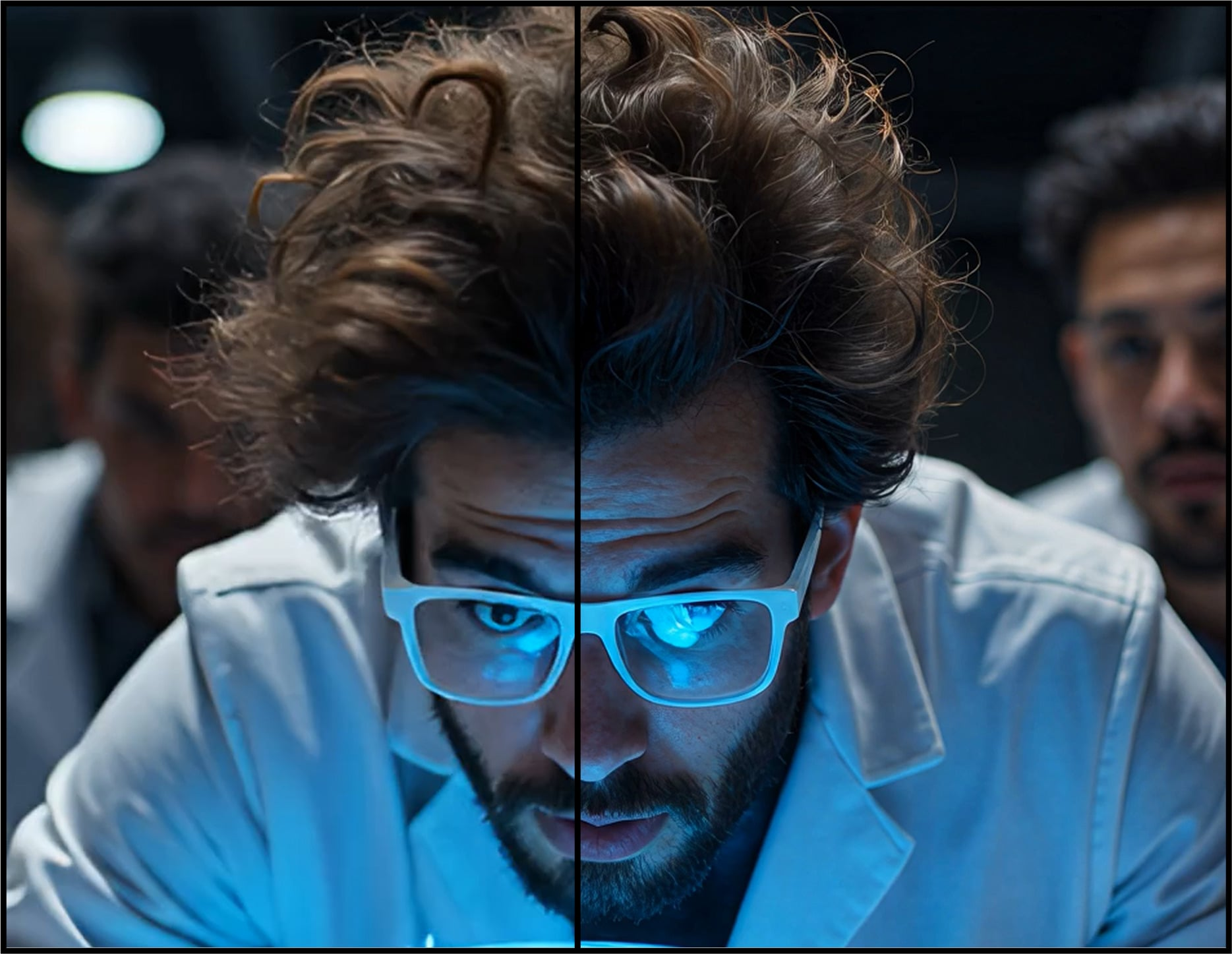
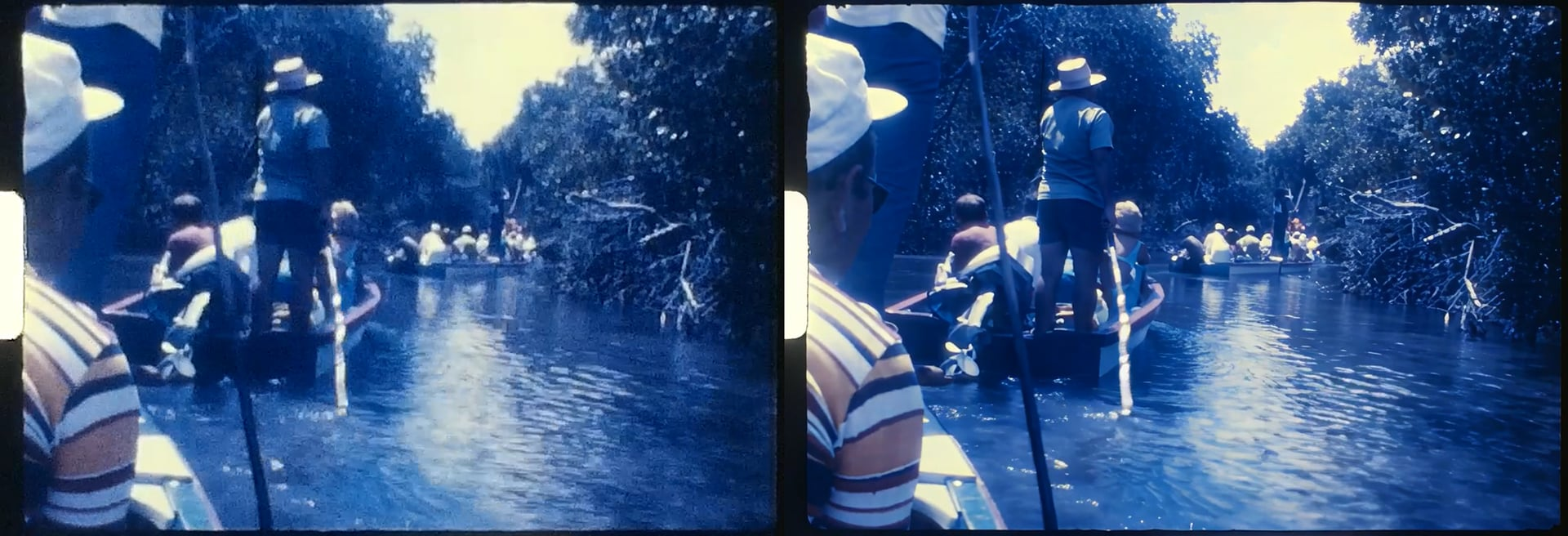
Starlight Precise 2.5 (available in release version 1.4-1.6.1) made its original debut within our Cloud app, Astra, with much excitement and positivity. In the meantime, we were also working hard to get this wonderful model for local desktop rendering! This makes Starlight Precise 2.5 the 5th variant to the desktop Starlight Model Family. Note, that previous iterations of this model exists on Astra. This model has been specialized for realistic human face and skin textures in addition to other areas such as material, texture, and text.
About
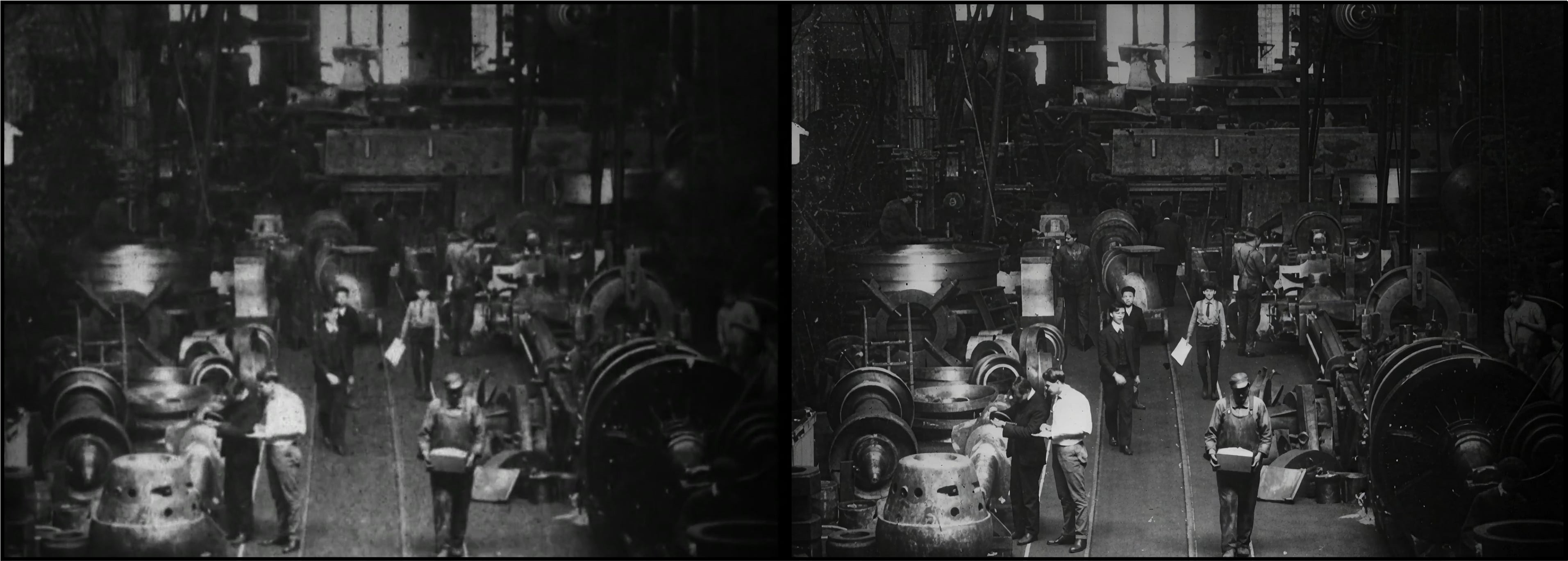
- This model works for Medium to High Quality content whether this is generative, live action or used for restoration videos.
- Improves generated content that may have soft, plastic, or slight artificial looks, however the AI generated content should have solid structure and composition for ideal improvements.
- There is a slight difference between the local version and the cloud version in order to fit on the desktop.
- Greatly reduces flickering with smaller textures.
- Recommended to use video inputs at or under 4K.
- Outputs up to 4K.
- Model access via the cloud for all subscription models.
- Cloud Export is supported on both Mac and Windows.
- Expect long render times for this diffusion model.
This model is less ideal for content with...
- Shots with heavy motion blur may be rendered as texture.
- Not intended for very low/poor condition quality media. Starlight Mini is ideal for this.
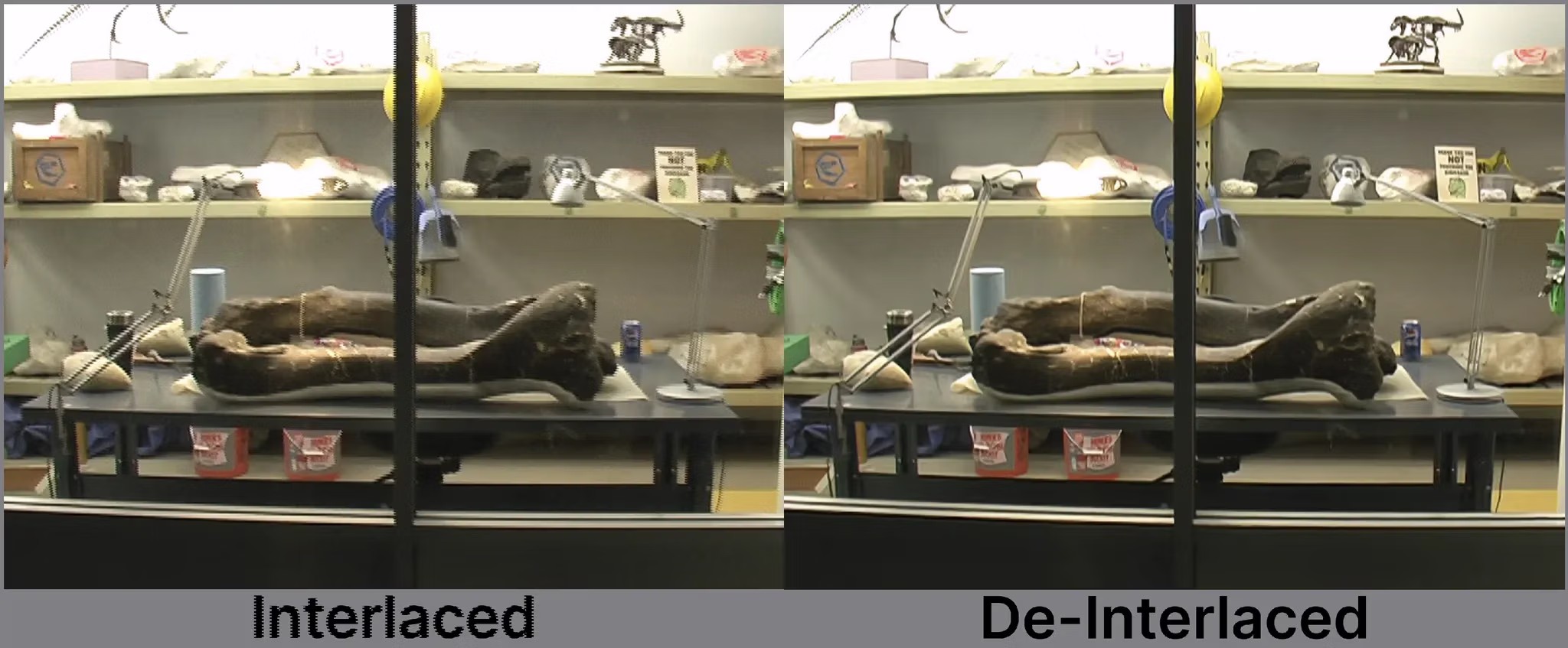
- Interlaced content needs to be de-interlaced first.
- Not ideal for content below 480p. Starlight Mini is ideal for this.

Starlight Precise 2.6 Local
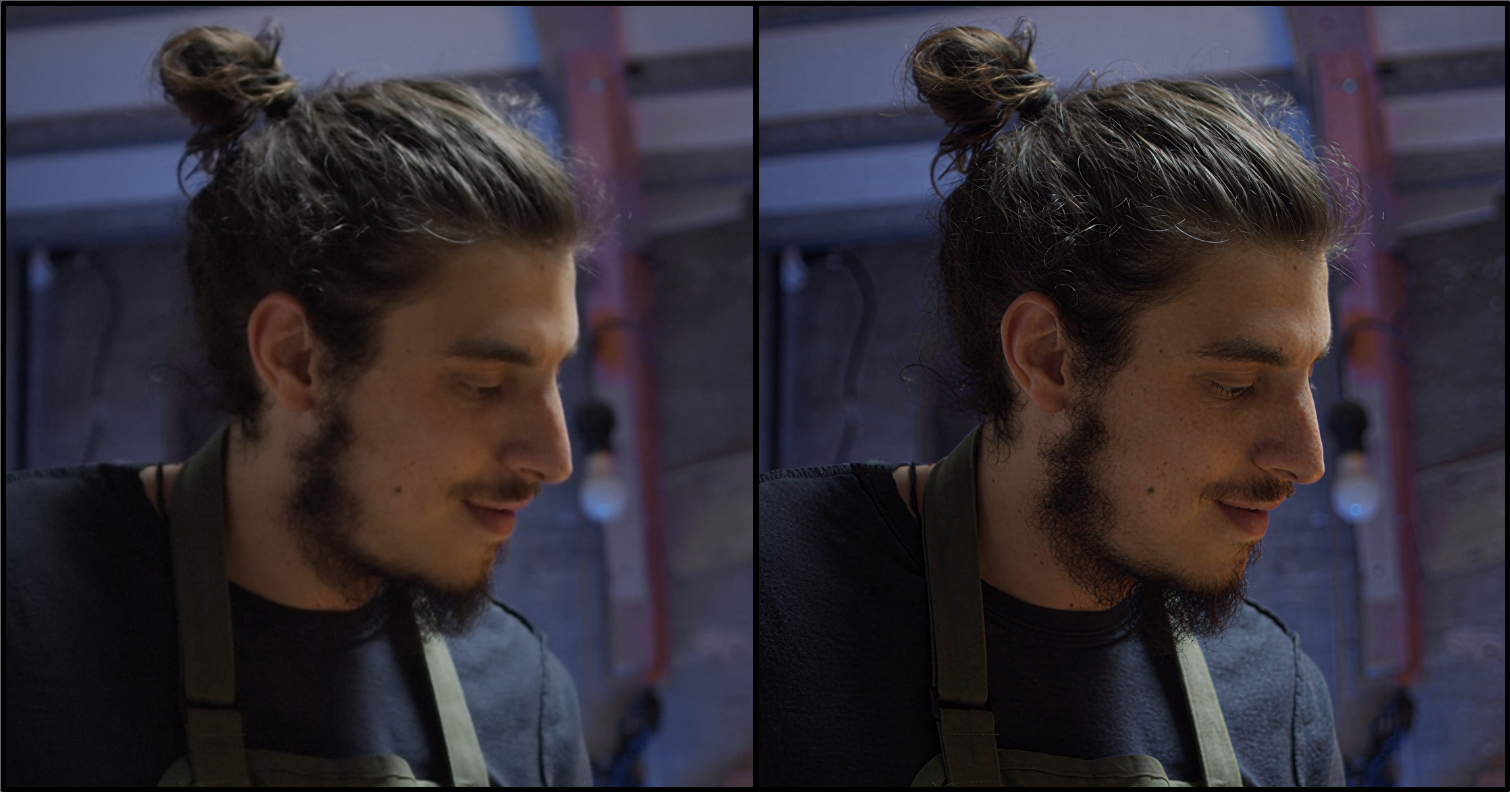
Precise 2.5 has been further reworked into Starlight Precise 2.6 (available in release version 1.7-current) to give some additional options for sharpness levels. With Starlight Precise 2.6, there are three selectable sharpness levels via a slider. Note that these are conservative difference with the intent to take the "edge off" while keeping the integrity and essence of what's loved about the model intact.
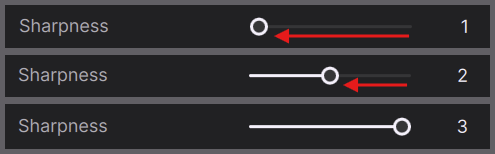
- This variation has a more natural look with a lighter touch in sharpness.
- This produces a balance between the first and third sharpness options.
- Set to default. This variation produces the sharpest outputs. The sharpness level and quality equates to what’s expected from Starlight Precise 2.5.
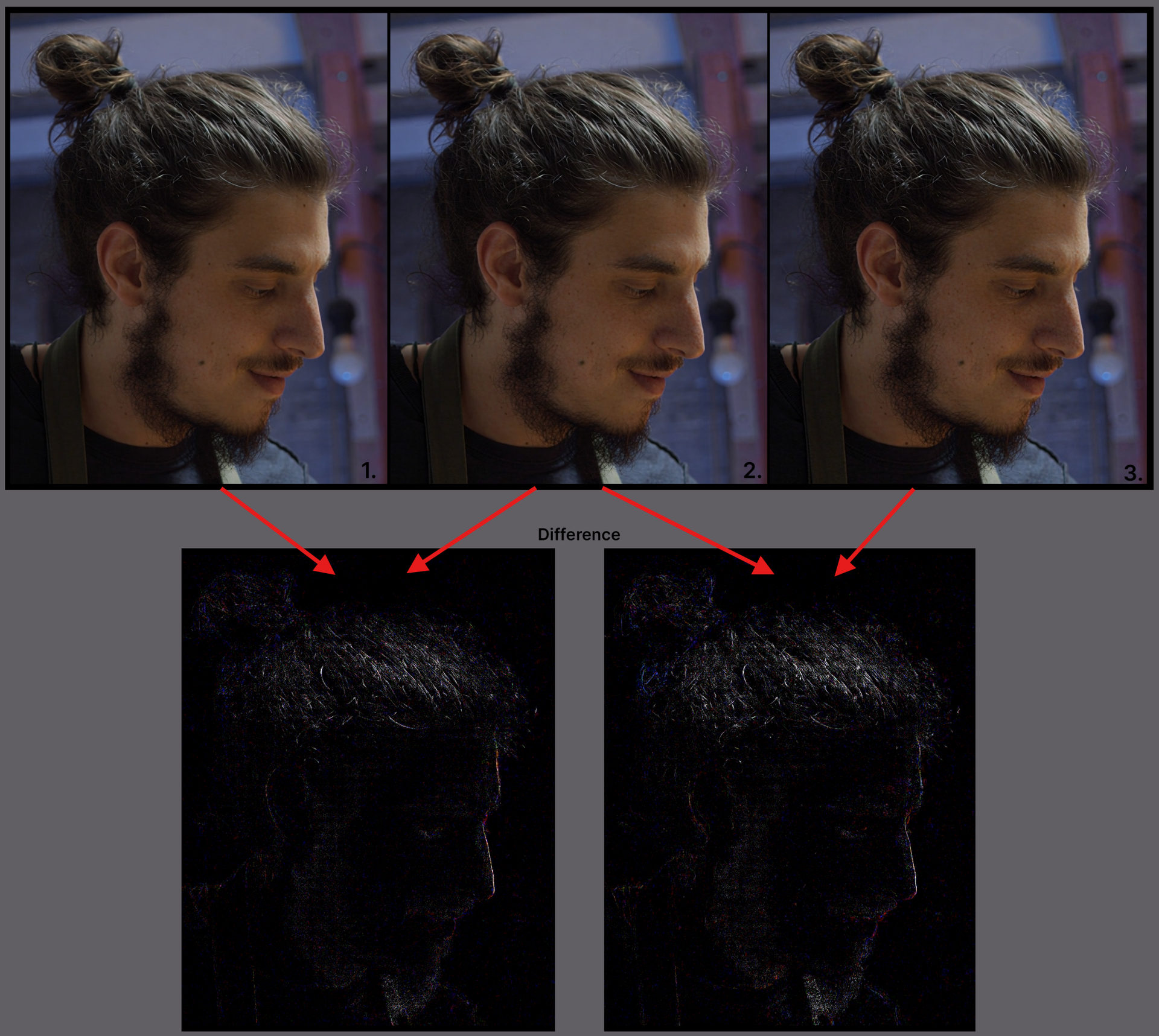
The following are the equivalent values between the Web (W) and Topaz Video (TV) outputs.
W1=TV1
W2=NA
W3=TV2
W4=NA
W5=TV3
2.6 Updates for AMD and Nvidia!
In addition to the sharpness levels, a few more updates for Starlight Precise 2.6 have been refined for those with AMD and Nvidia GPUs.
- Updated model for better temporal consistency.
- Experience up to 15% local speed improvements.
Technical things to know
These technical bits of information is valid for both Starlight Precise 2.5/2.6.
The following available outputs are multiplied relative to the original resolution or minimum/maximum resolution threshold for the model:
- Minimum
- 2x upscale
- 3x upscale
- 4x upscale
If your content is already at the max output, such as 4k, then no matter the scale factor, the max output will be rendered:
- Minimum (3840x2160)
- 2x upscale (3840x2160)
- 3x upscale (3840x2160)
- 4x upscale (3840x2160)
Requirements and Recommendations
- Available for AMD, Mac & Nvidia.
- Available for all licenses to run locally!
- This model is included locally, using Neuroserver.
Nvidia Requirements:
- Requires an absolute minimum of 12GB VRAM with 32GB CPU RAM, though 16GB VRAM is recommended.
- Targeted for GPU compute compatibility of 8.9. This is also the recommendation.
- Please note, though there might be some success with a CC of 8.6 cards, this is not technically supported and some may encounter a less ideal experience.
AMD Requirements:
- Requires an absolute minimum of 12GB VRAM with 32GB RAM, though 16GB VRAM is recommended.
Mac Requirements:
- Requires an absolute minimum of 16GB though 24GB is recommended.
- All Apple Silicon should be supported.
Starlight Precise Notes and Reminders
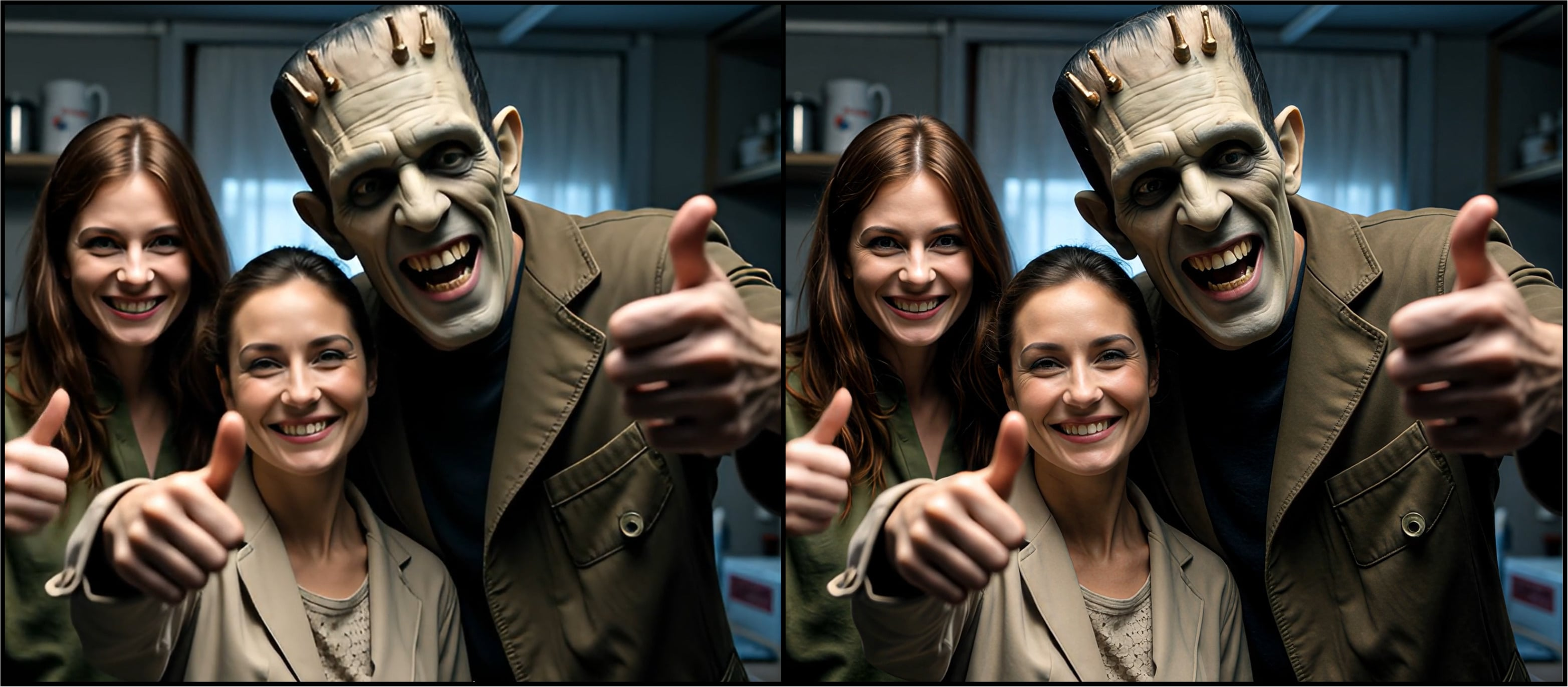
- This is still a diffusion model, so long render times are expected when rendering locally.
- Recommended to use square-pixel video footage at or under 4K UHD to avoid any aspect ratio shifts
- Ensure that you are using the latest driver for your graphics card.
- Currently capped at 4K resolution locally and in the cloud.
- Starlight Precise 2.5/2.6 are standalone enhancement models that can’t be combined with other filters.
- It is not recommended to run Preview or Frame Preview with this model. It will not work. Export out a few seconds for Preview purposes.
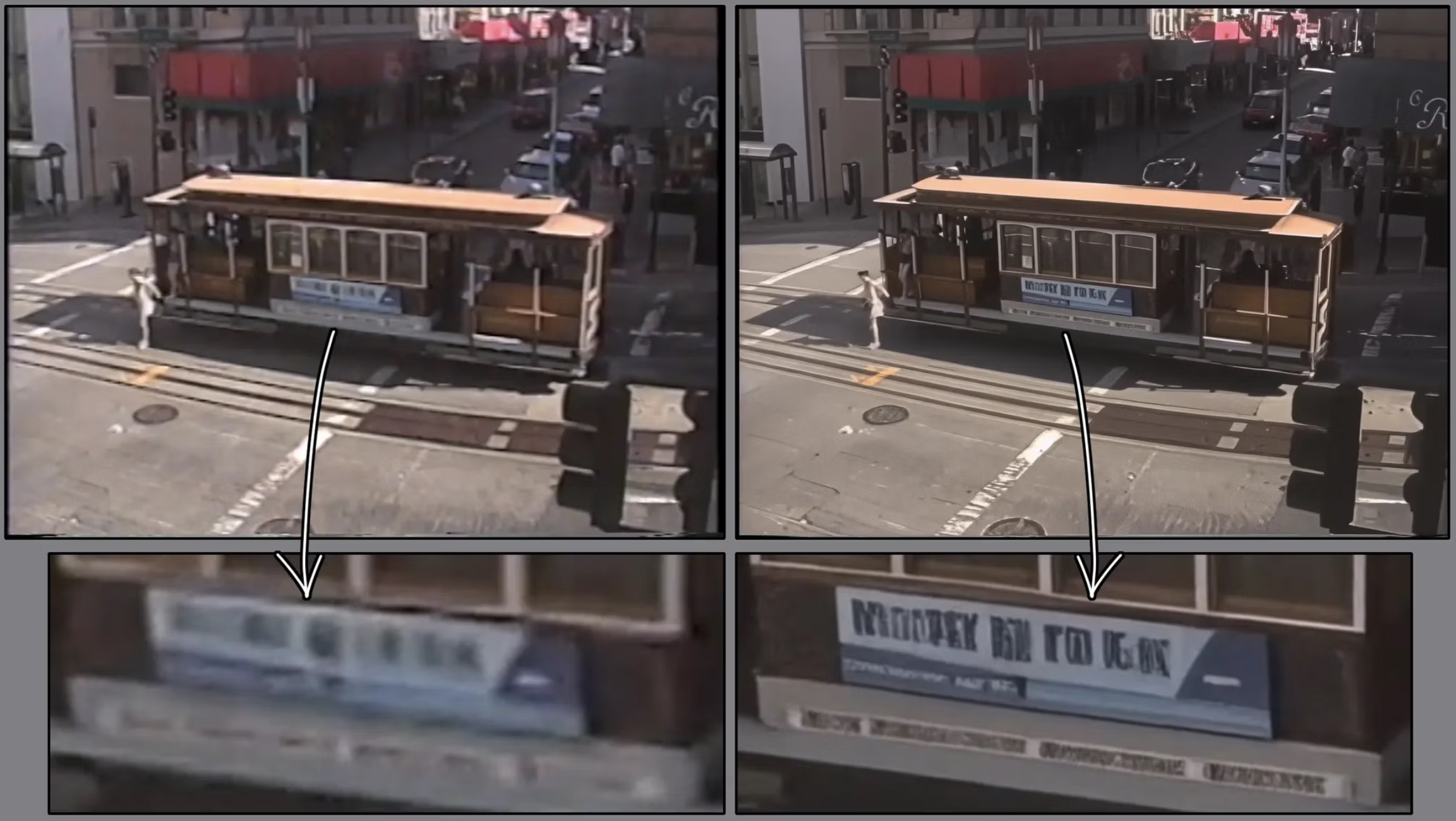
- Though this model does handle text and logos much better than previous Starlight Models, please note that if you have text that is too small, blurry or inconsistent, the result may not be processed correctly. The AI model may interpret unclear text as a texture or pattern.
- If you have interlaced videos, it is recommended that you de-interlace first before enhancing with with this model.
Have a fun with Starlight Precise 2.5/2.6!