Grain
While our generative models can occasionally introduce results that feel a bit too smooth or artificial, this subtle control lets users introduce grain back into the image to restore texture and realism.
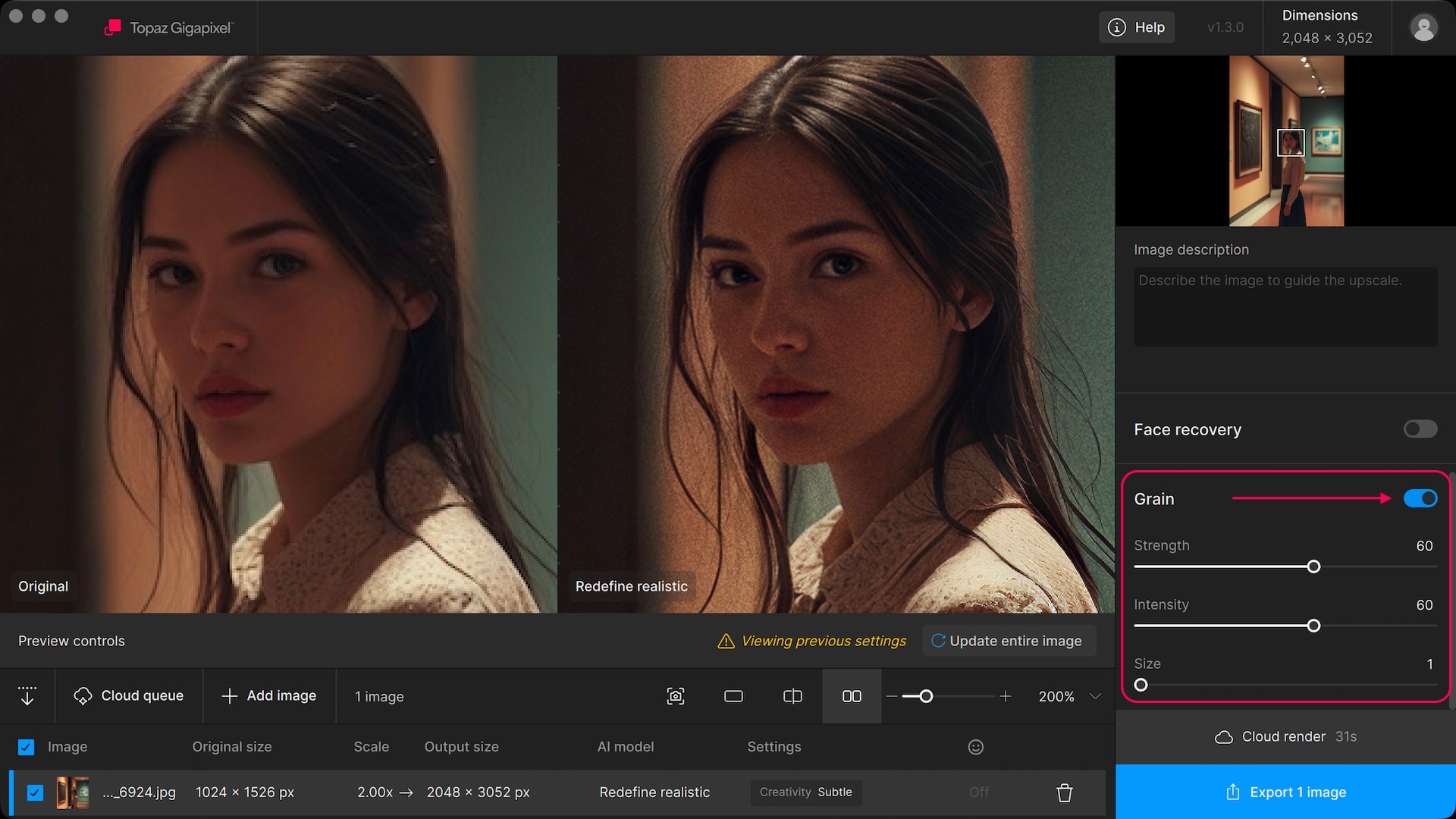
Whether you’re matching the feel of a camera sensor, preserving film-like detail, or avoiding overly polished outputs, Grain offers a simple way to create more natural-looking results with just a single adjustment.
You can find Grain at the bottom of model settings in the right panel.
Use the different sliders to adjust the grain to your liking. Toggle the switch on and off to compare before & after.