Auth0
Configuration Steps
Setup Auth0 as IDP (Identity Provider)
- Log in to your Auth0 dashboard.
- Click on Applications.
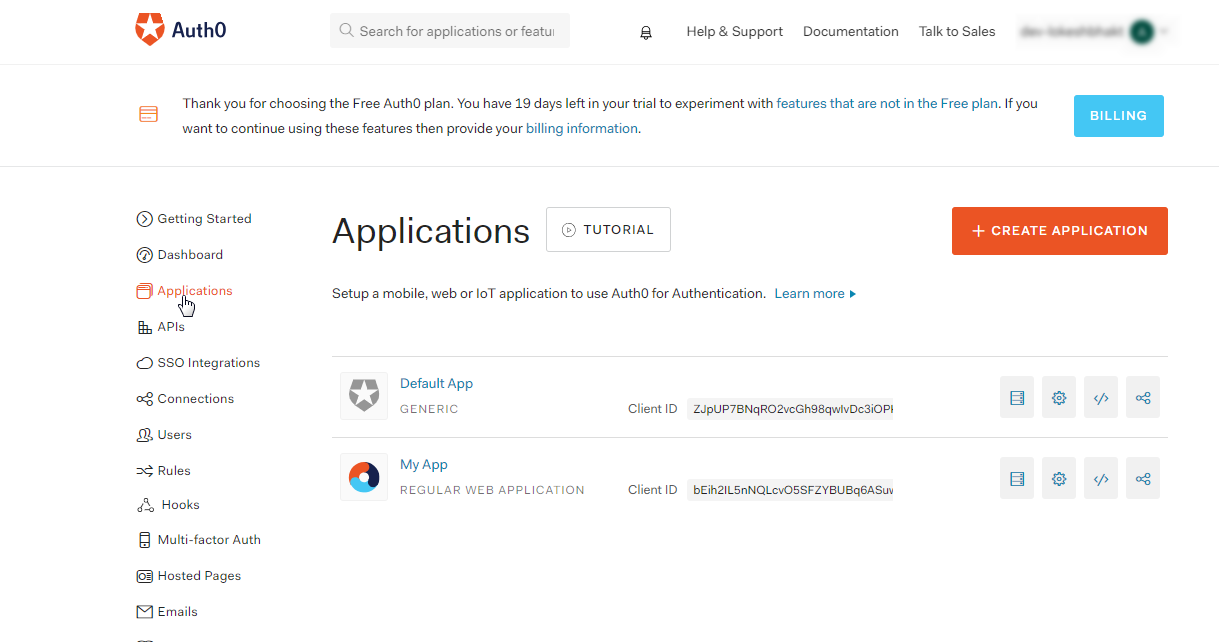
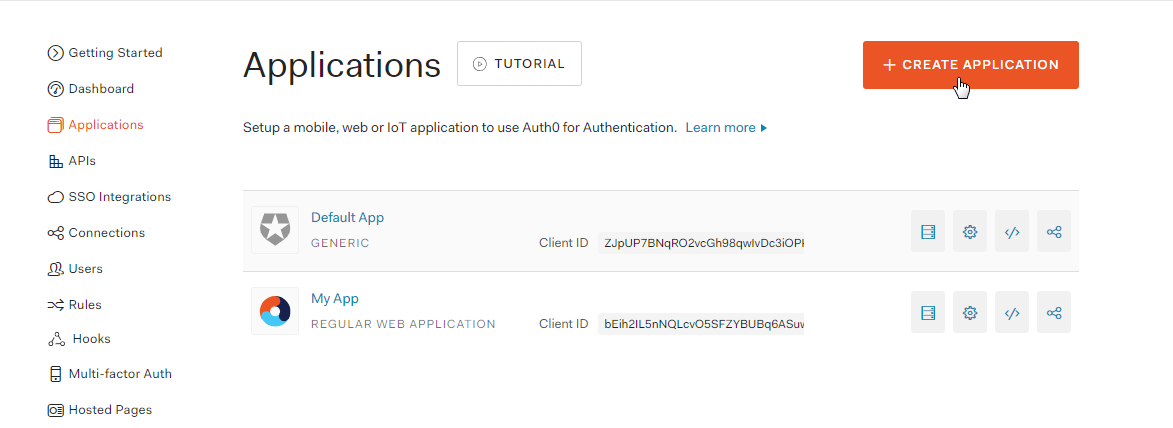
- Click on Create Application.
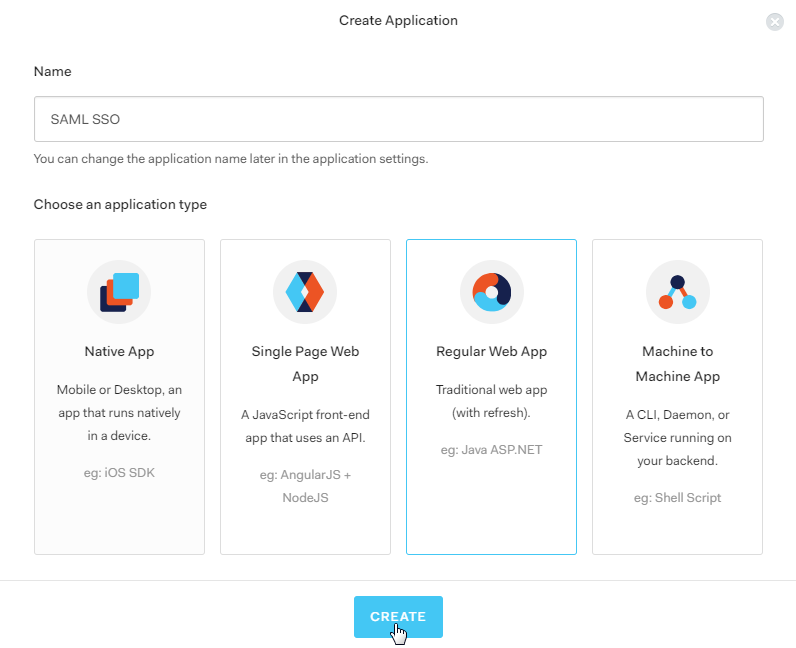
- A new window will pop-up. Enter a name for the application and select Regular Web App. Click on CREATE button.
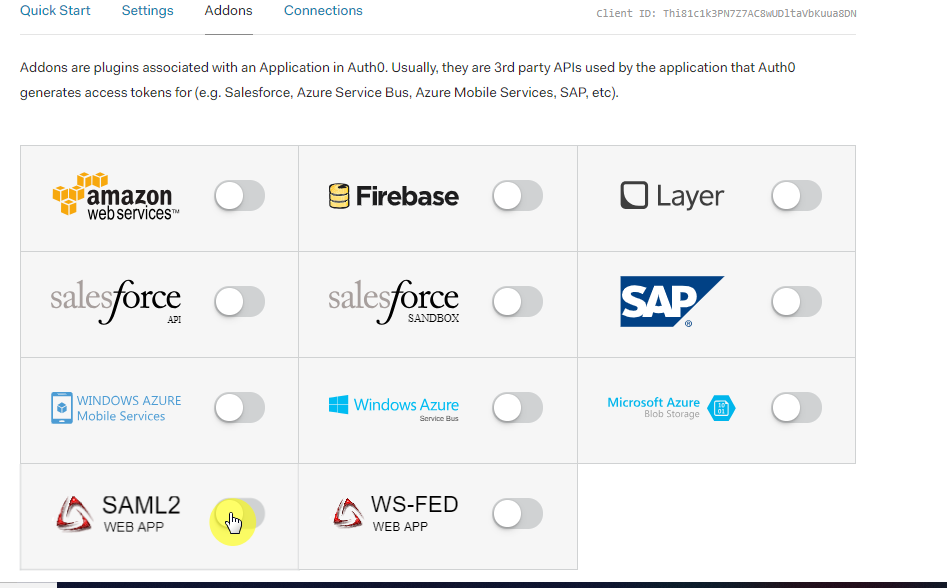
- Select the Addons tab.
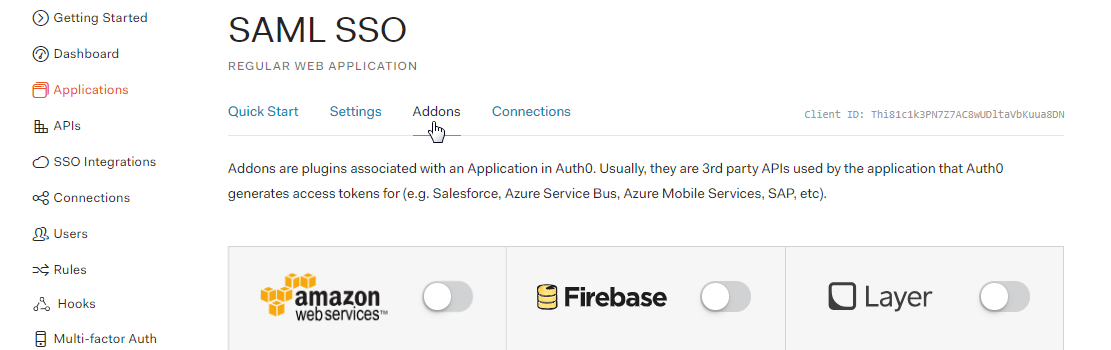
- Enable SAML2 option in the addons. It will open up a Configuration window.
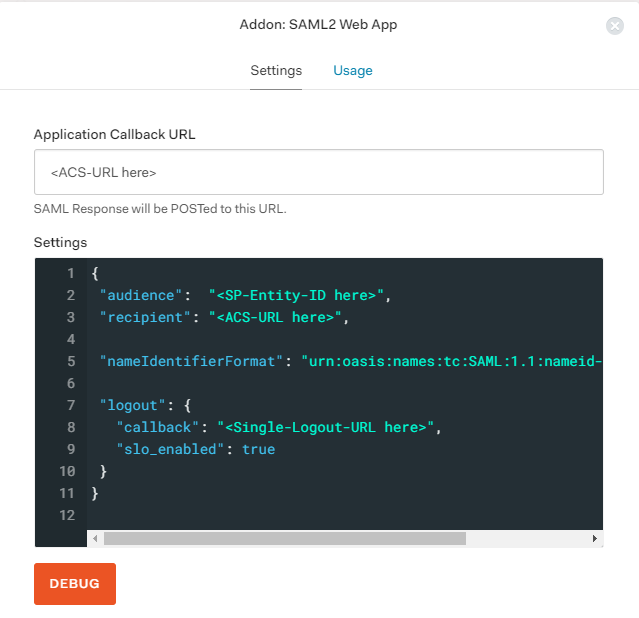
- Enter Application Callback URL, Audience, Recipient and other settings using SP entity ID and ACS URL copied from Topaz Labs metadata URL or ask your Topaz Labs representative for this information, as shown below
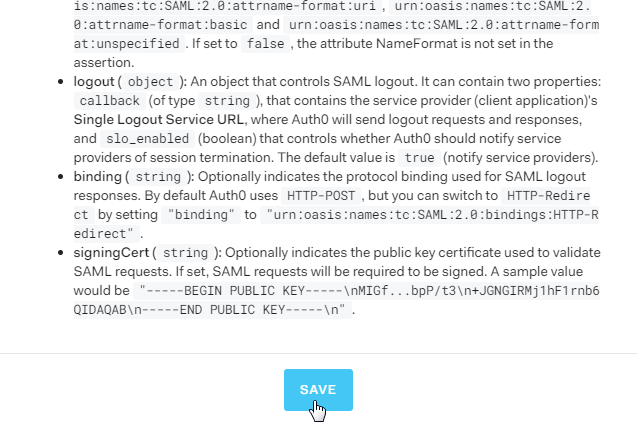
- Scroll down and click on Save.
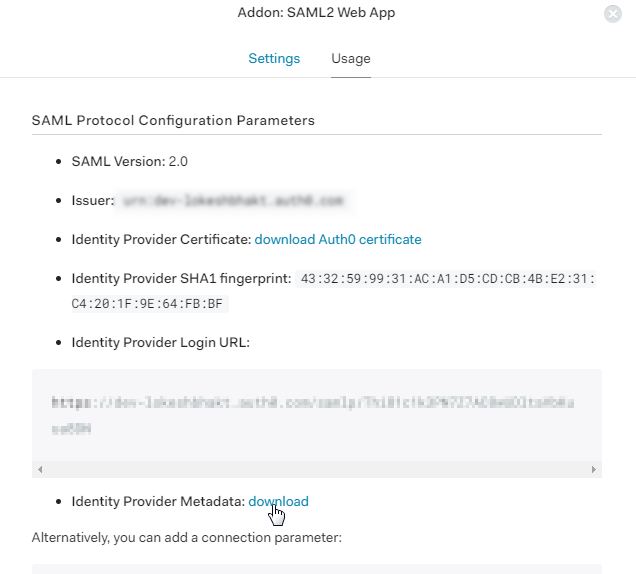
- Go to the Usage tab and click on the Identity Provider Metadata download link. It will download the metadata XML file which you'll need to send to Topaz Labs.
You have successfully configured Auth0 as SAML IDP (Identity Provider) for achieving Auth0 SSO login.