Missing Models
This article explains what to do when you have missing models in Topaz Gigapixel.
Missing models can cause the app to crash and exhibit inconsistent behavior. The app won't work normally until all the models are downloaded.
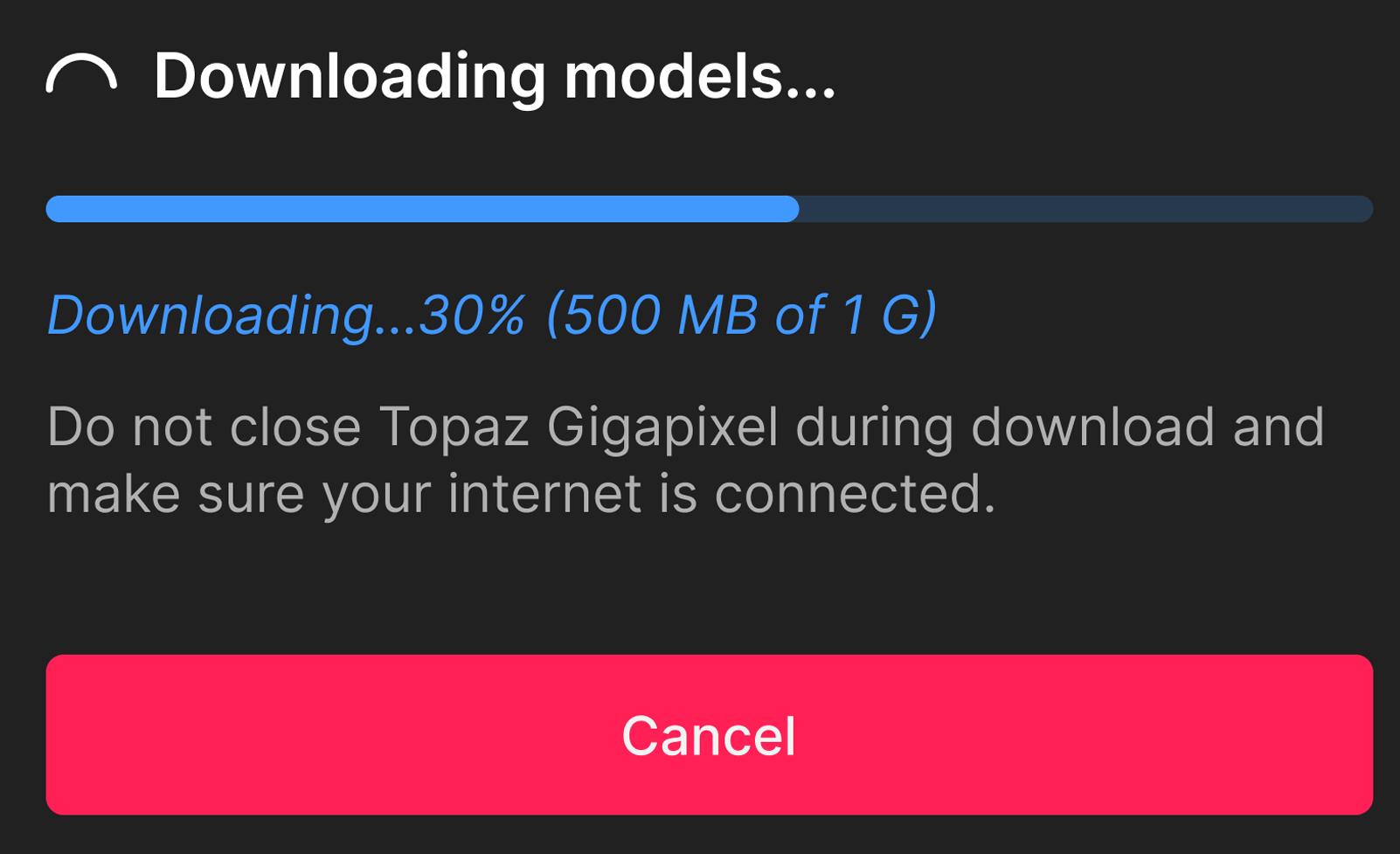
Other than crashing inconsistently, missing models can also show this 'Downloading models' progress bar when a specific image needs a specific model that is missing. It will be essential to follow the steps below to ensure that all models are installed, not just the ones required for a specific image.
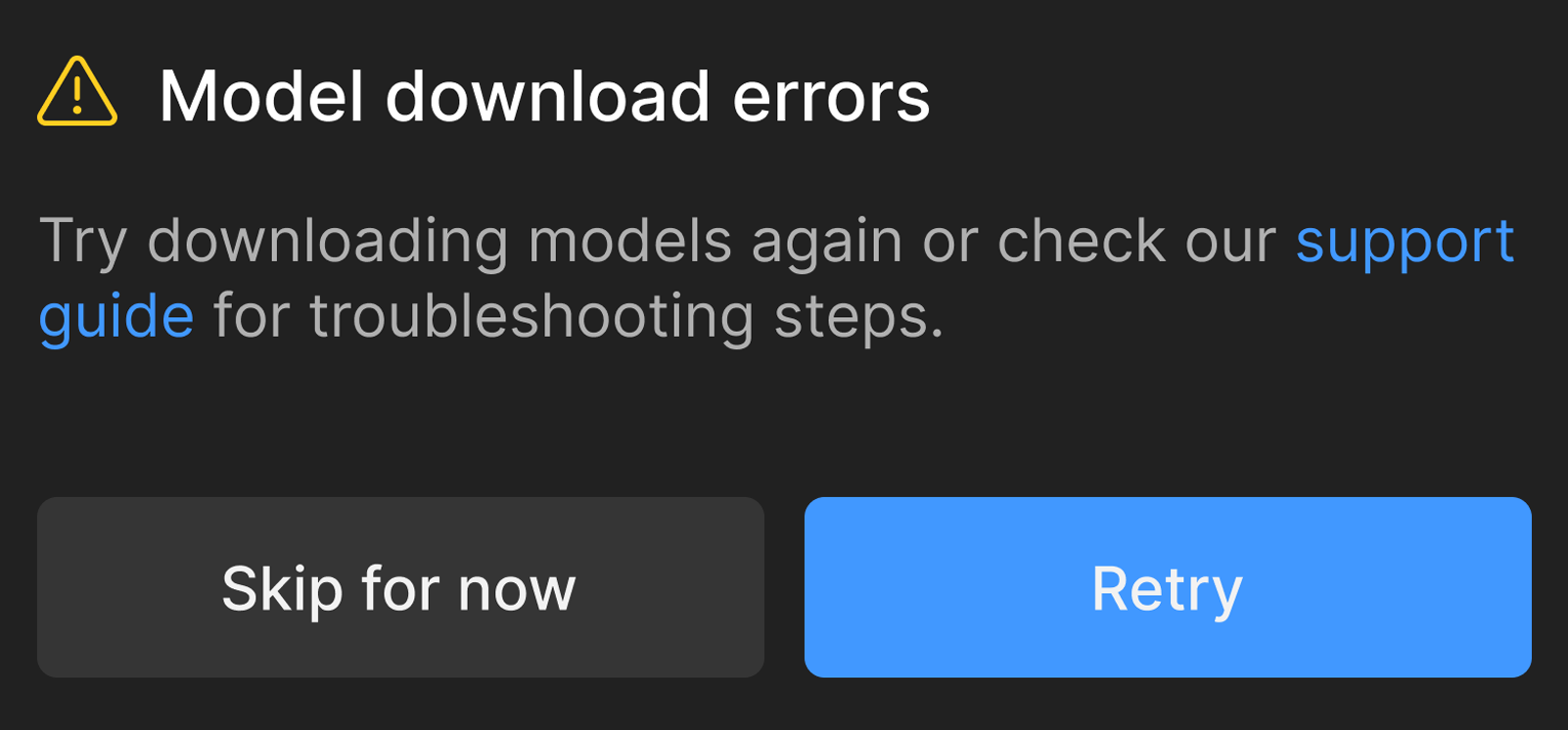
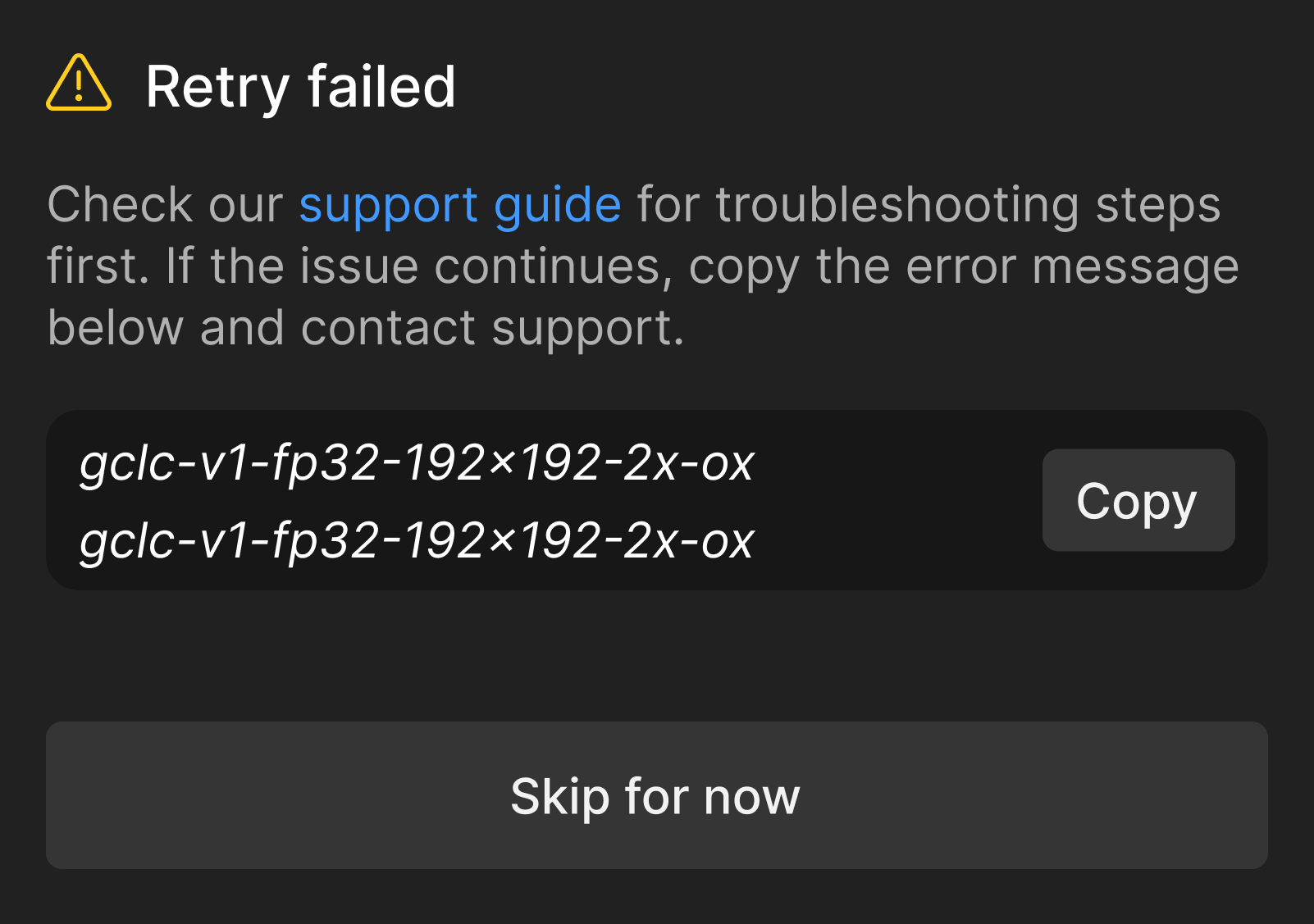
Retry failed window
If you see this window, it's because downloading the models failed. Please follow the steps below to fix this.
To Install the Missing Models
- Important - Keep the current version installed. Do not do any uninstallation.
- Turn off firewall, anti-virus or any other potential blockers.
- Download a fresh installer for the app that has missing models on your Accounts page (If you are looking for legacy apps, click here instead)
- Run the installer. Choose the Repair option.
Repairis on Windows only. For Mac, simply rerun the installer. - On Windows, from the Start menu, right-click Gigapixel, select "More," then "Run as administrator" on the first launch after installing or repairing.
For Mac, simply relaunch the application to verify models. - If there are still issues, try running the installer again using a mobile hotspot instead of your regular internet. If you don't have access to a hotspot, test another Wi-Fi connection or by connecting with an Ethernet cable. You can also test with a VPN on or off, to see if changes the behavior.
Contact Support
If you tried all the steps above and you still have issues, please write us an email at help@topazlabs.com with the below information:
- Confirmation on the completed steps: Firewall and Anti-virus off. Let us know if you need help or get stuck tuning these off. And confirm you tested with the mobile hotspot.
- Send us Logs: To gather logs, open the app, go to the menu bar at the top, and click Help > Open Log Folder menu option. Zip and attach them to the email. This will show us the number of missing models. The logs will be able to tell us how many models remain missing, but it will not bypass the blocker, as we do not have control on the blocker.